v1.3.2July 14, 2026

image

πŸ’Ž Improvements

  • AI: Improved Apple Health extension to include detailed HRV data and access to blood pressure

🐞 Fixes

  • AI: Fixed a bug where the ask for changes tool input would be covered by the keyboard
  • AI: Fixed AI responding with unknown API error occasionally
v1.3.1July 2, 2026

image

✨ New

  • AI: Delete calendar event tool

πŸ’Ž Improvements

  • AI: Smoother keyboard handling in chat
  • AI: MCP support to AI Presets
  • AI: Share code blocks to ray.so
  • AI: Added support to search for providers in model picker
  • AI: Improved audio processing for more accurate dictation
  • Keyboard: Removed Tenor gif provider (after they sunset)
  • Misc: Adjusted composer glass background in light mode

🐞 Fixes

  • AI: Fixed so you cannot swipe-delete built-in AI commands
  • AI: Fixed a bug where opening a preset based chat would load it as a normal chat with model
  • AI: Fixed an issue where some MCP servers failed to install
  • AI: Fixed a bug with weather tool using wrong unit format
  • AI: Fixed a bug with health tool using wrong timezone
  • AI: Fixed a bug where tapping tool mention button with proceeding text didn't work
  • AI: Fixed minor markdown formatting issues in chat
  • Share Extension: Fixed Custom AI commands and notes would not be shown if user had never used Cloud Sync
v1.3.0June 22, 2026

image

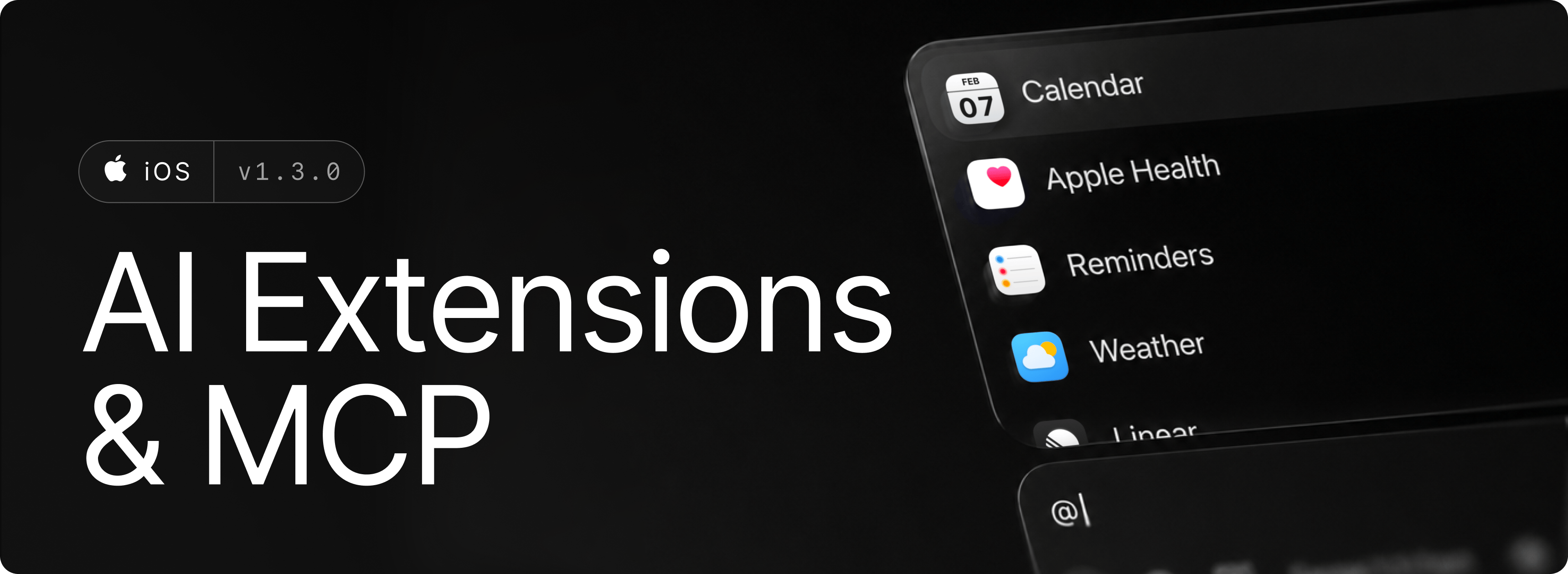
AI Extensions and MCPs unlock smarter workflows while on the go. Connect and call data from Apple Health, Reminders, Calendars, and many more built-in extensions β€” or go beyond by connecting your own MCP servers.

✨ New

  • AI: Tool calling in chat with local and custom MCP tools
  • AI: Add Raycast Notes as attachments
  • AI: Annotate image attachments and send drawings

πŸ’Ž Improvements

  • AI: Redesigned AI Composer
  • Calculator: You can now query weather and location data in calculator and root search
  • Share Extension: Consolidated Raycast share extension with share actions
  • Share Extension: Added support for image and file sharing
  • Share Extension: Added Ask AI and Send to AI Chat actions
  • Notes: Added automatic sorting of ticked items in todo lists
  • Notes: Added a button for horizontal rules
  • Notes: You can now pin or unpin notes from the editor menu
  • Notes: You can now toggle off any list style by tapping the same list style button
  • Dictation: You can now retry failed transcriptions more often in AI Chat, Notes, and AI Commands

🐞 Fixes

  • Home: Fixed item highlighting in root search
  • Keyboard: Fixed an issue where the keyboard sometimes didn’t show any recents on iPad
  • Notes: Fixed link strings duplicating after editing a link
  • Notes: Fixed inline snippet expansion sometimes not working
  • AI: Fixed empty lists appearing while changing Raycast AI tabs when search is active
  • AI: Fixed several minor chat formatting issues
  • AI: Fixed an issue where selecting a model with custom API key would show upsell screen
  • AI: Automatically recover from errors when streaming in chat
v1.2.13May 29, 2026

image

Bring Your Own Key (BYOK) seamlessly integrates your existing AI provider accounts with Raycast's intuitive interface. With BYOK you can now use Raycast AI with your own API keys for Anthropic, Google, OpenAI and OpenRouter. This allows you to send as many AI messages as you want at your own cost without a Pro subscription.

Snippet Expansion finally comes to iOS. UseΒ your favorite keyword across the Raycast app to quickly insert a snippet.

✨ New

  • AI: Use Raycast AI with your own API keys for Anthropic, Google, OpenAI and OpenRouter
  • AI: Added quote attachment support
  • AI: Cell selection for tables in chat
  • Snippets: Inline snippet expansion across Raycast app (AI Chat, Notes etc)
  • Team: Added support for moving Quicklinks and Snippets between personal and team spaces
  • Notes: Added a setting for automatic ticked items sorting in todo lists
  • Notes: Added toolbar button for horizontal rule
  • Search: Added search by acronym
  • Shortcuts: Improved Open App intent parameter selection to only include commands and favorites
  • Shortcuts: Added Open Quicklink and Get Snippet intents
  • Shortcuts: Added intents grouping and descriptions for better UX

πŸ’Ž Improvements

  • AI: Improved loading for loading a chat
  • AI: Improved loading for loading chat list

🐞 Fixes

  • Dictation: Fixed an issue with the session timer cancelling active dictation
  • AI: Fixed empty lists while changing tabs when search is on
  • AI: Fixed restoring reasoning effort if no model was selected in home view composer
  • AI: Fixed broken file/text attachments when reopening a chat created on the same app lifecycle
  • AI: Fixed UI not responding while attaching a recently taken photo which was taking longer to appear
  • AI: Fixed a few formatting issues in chat
  • AI: Sorted out large inset when searching in AI tab
  • AI: Fixed pagination issue in chat where offset would jump when scrolling
  • AI: Fixed an issue where loaded chat wouldn’t always start at bottom
  • Misc: Fixed multiple UI views not updating after appearance change
  • Home: Fixed pull down to search when tapping in recents section
  • Home: Prevent pull to search accidentally triggering when scrolling up in home view
  • Search: Fixed incorrect scroll position in search view when search is triggered on tap
  • Keyboard: Fixed recents section being empty on initial launch on iPads
v1.2.12May 6, 2026

image

✨ New

  • AI: Markdown list continuation, pressing enter will automatically add next *, - or number
  • AI: Haptics for stream completion

πŸ’Ž Improvements

  • AI: Refined chat viewport inset handling
  • AI: Animate first question in chat
  • AI: Improved follow-up transition
  • Widget: Favorites widget supports grid layout

🐞 Fixes

  • Notes: Fixed AI response getting cut off
  • AI: Fixed an issue where chat didn't update for appearance changes
  • Team: Fixed Team Quicklinks wrongly appearing as personal
  • Calculator: Better handle Euro-pegged currencies (XOF, XAF etc.)
  • Keyboard: Fix keyboard height shrinking when used with external keyboard
v1.2.11April 30, 2026

image

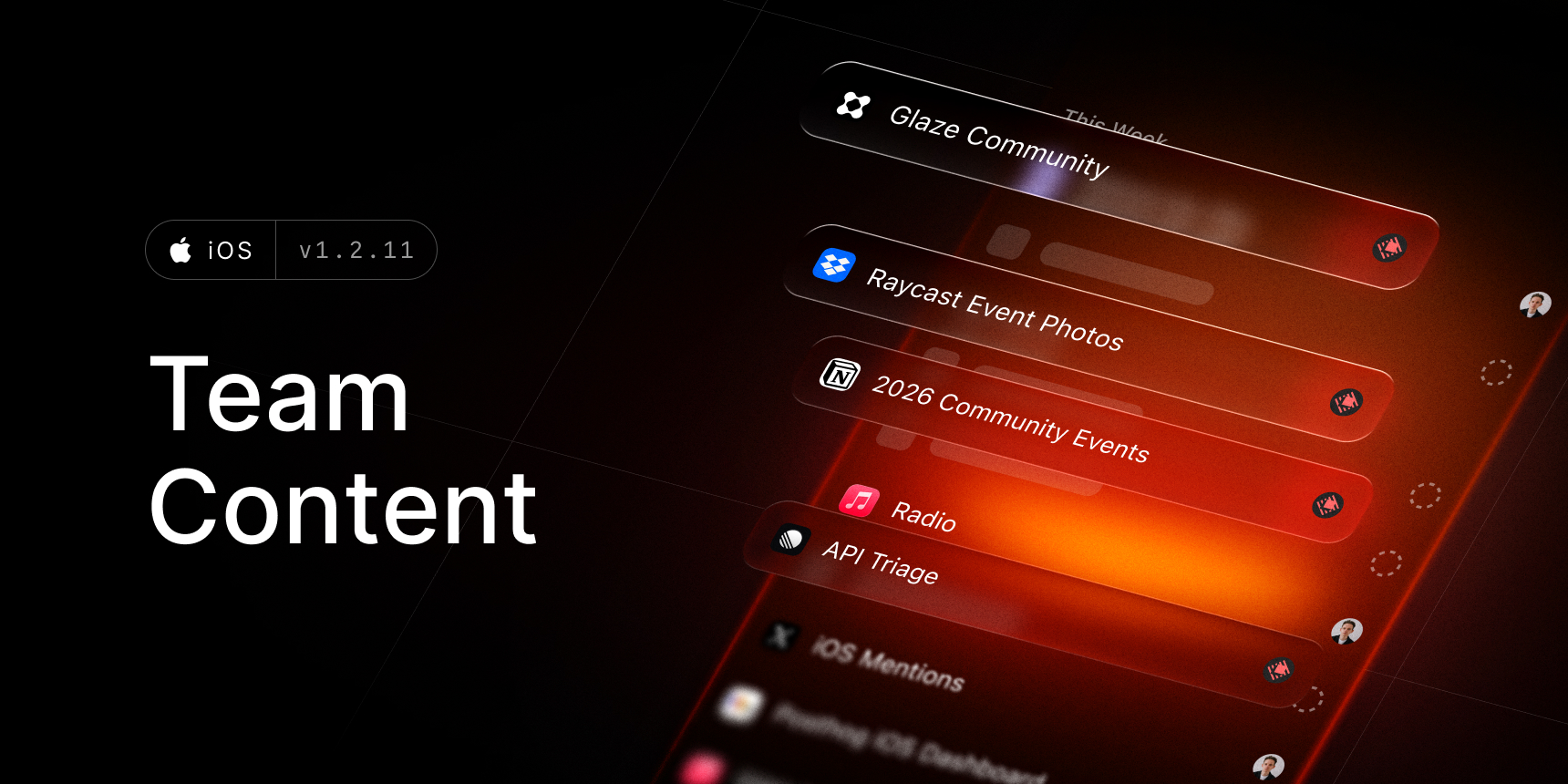
Access your favorite team Snippets and Quicklinks - seamlessly synced between your phone and Mac.

✨ New

  • Team: Sync and access team Snippets and Quicklinks
  • Calculator: Interactive currency home screen widget
  • Calculator: Control center control to launch calculator
  • Calculator: Calculate intent / shortcut
  • Keyboard: Calculator support in main search
  • Notes: A new setting to choose the starting block for a new note between H1 or Paragraph
  • Snippets: Quickly create snippets from AI chat, composer or notes through the edit menu
  • AI: Search models in model sheet
  • Misc: Quickly create snippets selecting the text from composer, notes or chat

πŸ’Ž Improvements

  • AI: Significant performance and stability improvements when streaming in chat
  • AI: Improved streaming animation
  • AI: Richer tool call labels for search web and read page
  • AI: AI widget now support 4 actions for medium size and is fully customizable
  • AI: Ask AI shortcut will now display responses in plain text instead of markdown syntax
  • Calculator: Currencies are now refreshed and support force refreshing
  • Misc: Small reordering of settings for core commands

🐞 Fixes

  • AI: Fixed AI chat message overlap on iPad
  • AI: Fixed sources count always animating for existing chats
  • AI: Fixed issue where chat from Ask AI shortcut using a custom preset would be attributed as "ray1” in-app
v1.2.10April 7, 2026

image

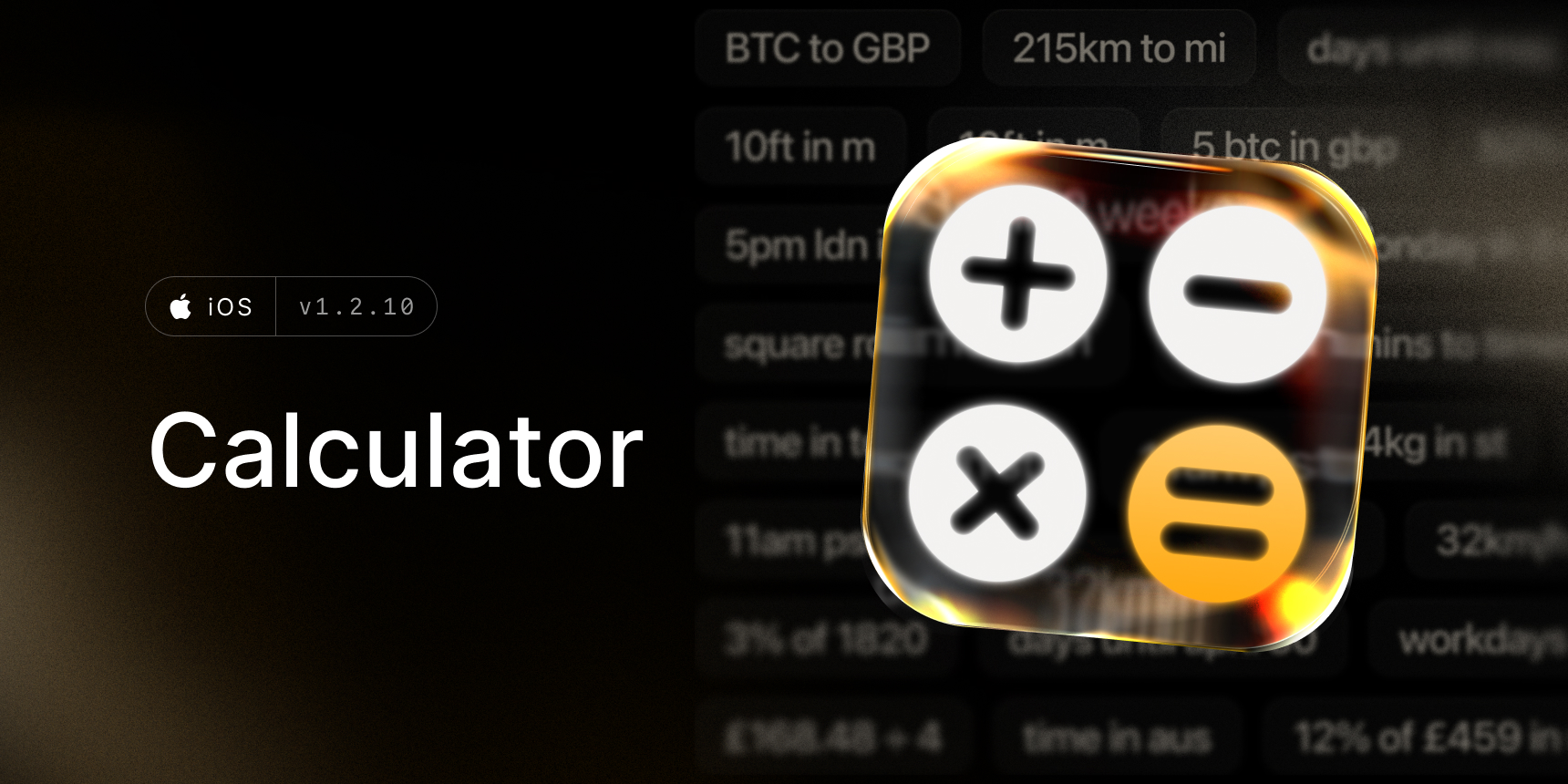
Solve complex math expressions, convert time zones, or track the days until Christmas with the Calculator History widget. Raycast Calculator is now available on the go.

✨ New

  • Calculator: New Calculator command
  • Search: Use Calculator from search bar
  • Widgets: New Calculator History widgets
  • Keyboard: Extended the available duration options for keeping the session active
  • Keyboard: Added the ability to reorder the keyboard tabs
  • Quicklinks: New setting to open quicklinks directly in-app browser instead of redirecting to default browser

πŸ’Ž Improvements

  • Misc: Improved snippet and quicklink search to match non-contiguous title words
  • Misc: Added keyboard shortcut for create new inside list views (⌘+N)

🐞 Fixes

  • AI: Fixed sources count animating on existing chat load
  • AI: Fixed so chat scrolls to next question on iOS 18
  • Home: Fixed an issue where pull to search wouldn't work
  • Notes: Fixed editor menu showing wrong actions for archived notes
  • Misc: Fixed a crash that could happen on launch
  • Misc: Fixed icon picker container to avoid colliding with controls on iPad
  • Misc: Added missing clear button in search bar
v1.2.9March 20, 2026

✨ New

  • AI: Pull up gesture in Chat to trigger jump to question
  • Misc: Access command details from search/home

πŸ’Ž Improvements

  • AI: Snappier experience when moving to chat from new message or to a loaded chat
  • Misc: Improved app launch time
  • Keyboard: Reduced disc space needed to run the keyboard

🐞 Fixes

  • Keyboard: Fixed an issue where user data would disappear
  • AI: Fixed a few crashes in the chat
  • AI: Tightened logic for Claude models to address empty responses in chat
  • AI: Fixed an issue where chat could collapse
  • AI: Resolved a case where new chat button would produce empty chat
v1.2.8March 11, 2026

image

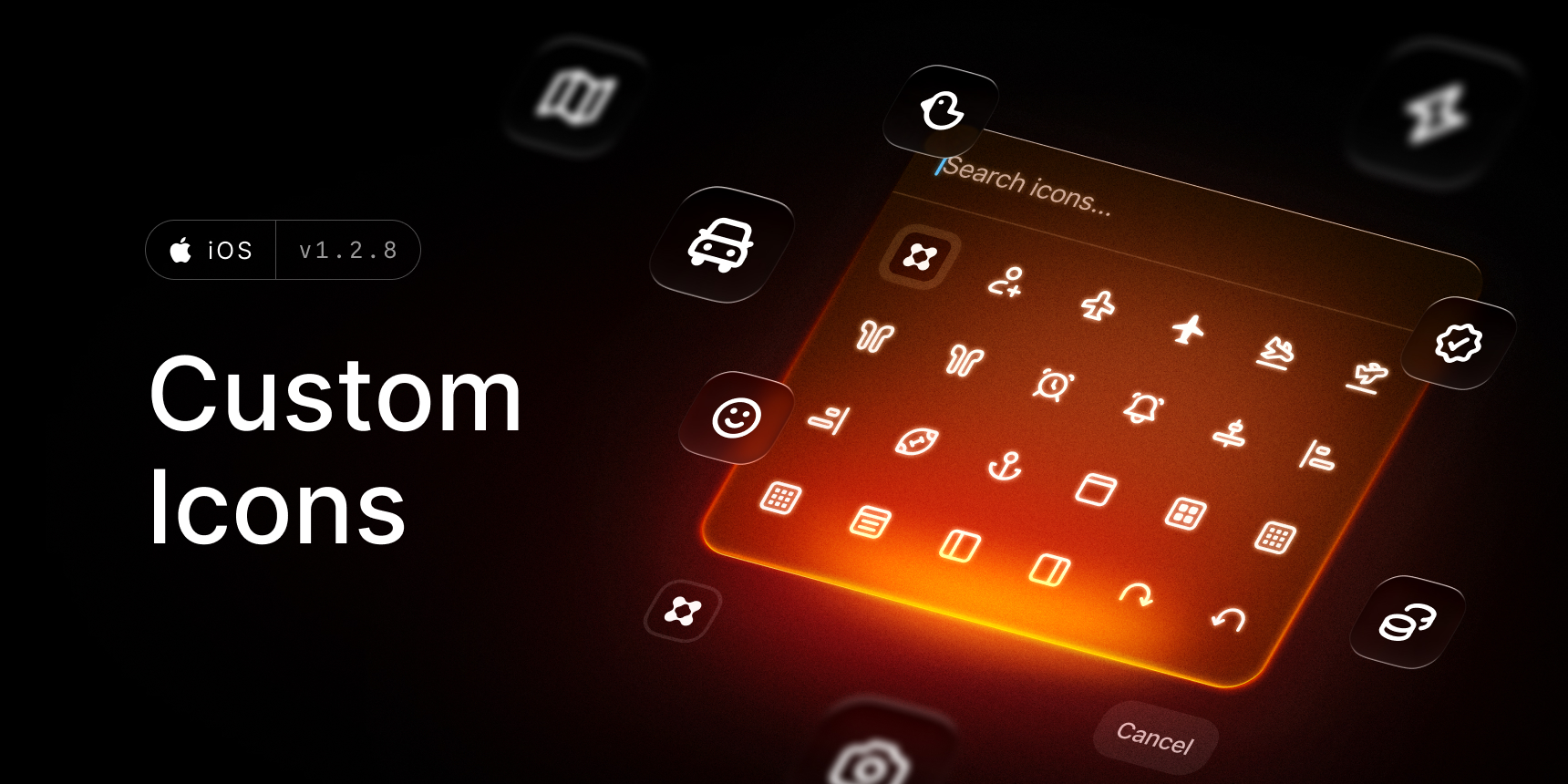
You can now select a custom icon for Quicklinks, AI Commands and Presets.

✨ New

  • Misc: Pick a custom icon for Quicklinks, AI Commands and Presets
  • AI: Edit highlights are now supported in AI Commands (Like fix spelling and grammar)

πŸ’Ž Improvements

  • AI: Updated design for sources
  • AI: Adjusted model list sorting so newer models appear first

🐞 Fixes

  • AI: Fixed disposable chats disappearing when popping chat or pressing live activity
  • AI: Fixed transcription getting lost on reconnect
  • Keyboard: Fixed keyboard data disappearing after app launch
  • Home: Fixed a bug where Quick AI chats would appear in recents
  • Home: Fixed missing background on recents context menu preview
  • Snippets: Fixed an issue where snippets list & detail sheet wouldn’t update after applying edits
v1.2.7March 2, 2026

image

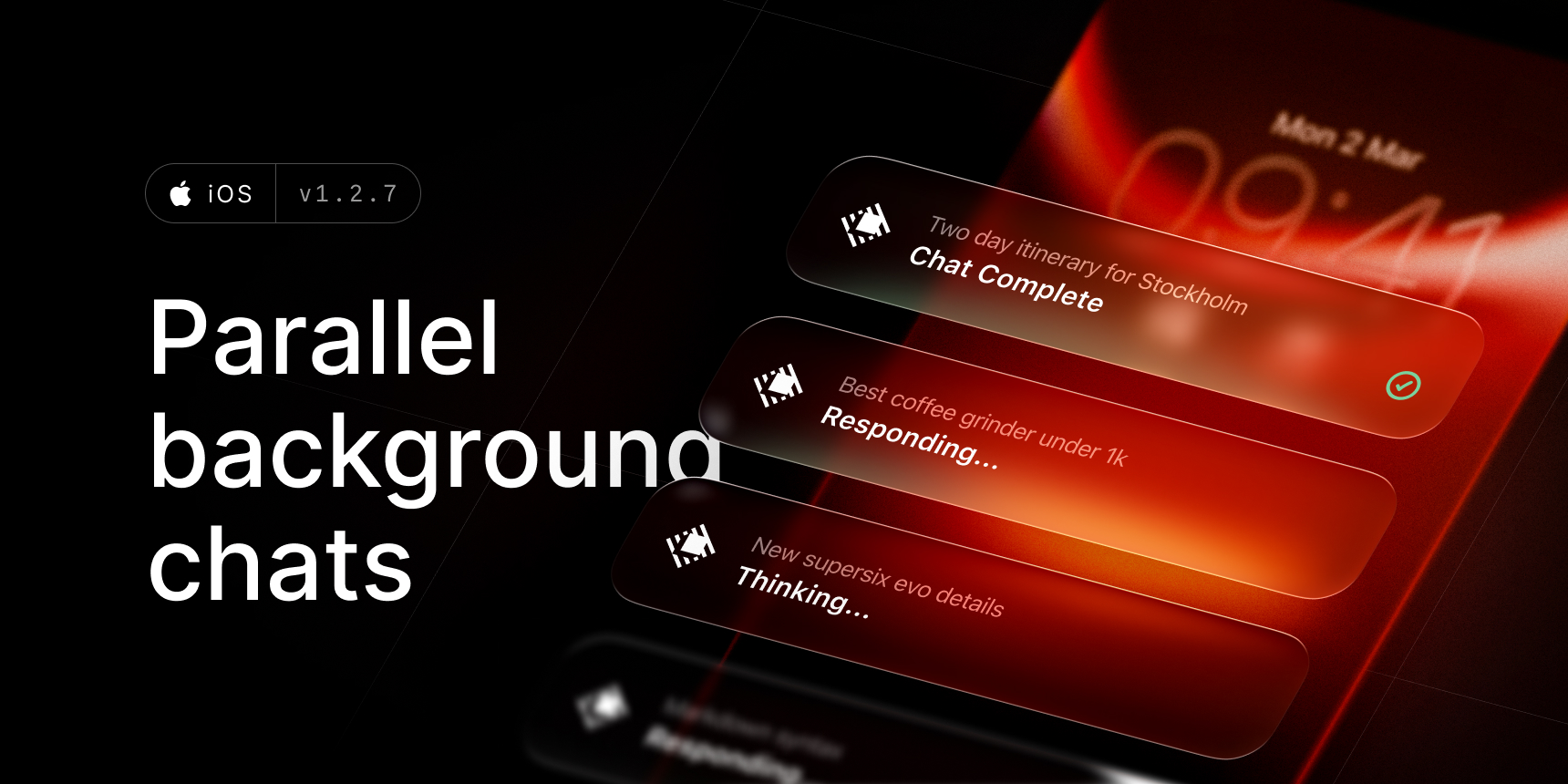
You can now run multiple parallel background chats.

✨ New

  • AI: Background chats with Live Activity support
  • AI: Run multiple chats simultaneously
  • AI: Option to save a disposable chat
  • Home: Recents section for Notes / AI Chats
  • Keyboard: Added option to use Tenor as gif provider
  • Snippets & Quicklinks: Added metadata info (times opened, edited, created)
  • Misc: New Open Search Shortcut / Intent

πŸ’Ž Improvements

  • AI: Improved chat title generation
  • AI: Updated design for tool calls
  • Misc: Updated design for reasoning / creativity setting

🐞 Fixes

  • AI: Fixed composer breaking when switching between apps on iPad
  • AI: Resolved an issue where streaming response would be shuffled
  • AI: Fixed composer behaviour when using floating keyboard on iPad
  • AI: Fixed a bug where reopening the detail sheet after edits would show stale content
  • Share Extension: Fixed regenerate not working
  • Keyboard: Fixed keyboard does not show up on iOS 26.4 beta
  • Keyboard: Fixed layout in floating mode
  • Keyboard: Resolved an issue with multiple argument inputs losing focus