v0.69July 16, 2026

image

The wait is over. Cloud Sync public beta is here. You can now keep your Raycast data in sync across macOS v1, macOS v2, Windows and iOS.

Switch seamlessly between your work and home computers, take notes on the go, or start an AI chat on your phone and continue it on your laptop. These are just a few ways Cloud Sync helps your work flow across devices.

Cloud Sync is available to Raycast Pro subscribers.

✨ New

  • AI Chat: Added support for skills. Skills can be loaded into a chat automatically or via @-mention and skill folders can be configured in Settings.
  • AI Chat: Screen captures of the entire screen or specific windows can now be attached to AI Chat or Quick AI via menus and commands
  • Clipboard History: Added new Reset Paste Sequence command
  • Cloud Sync: Sync your data across macOS v1, macOS/Windows v2 beta and iOS
  • Cloud Sync: Customize what gets synced across your devices
  • Cloud Sync: Manage your synced devices
  • Root Search: Added ability to show favorites in compact mode
  • Window Management: Create ideal app layout configurations for your optimal workflow with the Create Layout command
  • Windows Settings: Open Control Panel items from Raycast

💎 Improvements

  • AI: <br> tags in AI markdown now render as line breaks
  • AI: @-mentions get preserved when copying a selection in the UI
  • AI: @-mentions left in the composer when closing AI Chat get preserved when re-opening AI Chat again
  • AI Chat: Consecutive tool calls get collapsed into a group to reduce visual clutter
  • AI Chat: Auto-loaded extensions now get persisted into the AI Extensions list of a chat and therefore stay loaded after a restart of AI Chat
  • AI Settings: Added default reasoning effort settings to models view
  • Applications: Improve audio playing detection for Auto-Quit apps
  • File Search: Improved index compaction checkpoints to reduce index size on disk
  • Hotkeys: the engine now defaults to using OS hotkeys API so it places nicely with remapping software like PowerToys Keyboard Manager when possible. Note that this feature is not supported for advanced key combinations using Hyperkey, Win key and system hotkey overrides.
  • UI: Improved ghost dropdown button design (Settings selects)

🐞 Fixes

  • AI Chat: Fixed sidebar peek getting stuck when blurring window during peek open animation
  • Changelog: Fixed bad heading baseline alignment (with emoji)
  • Core: Fixed an issue where Raycast windows could appear at a wrong size
  • Core: Fixed Raycast not launching on startup on some Windows 10 builds.
  • Dictation: Fixed an issue where quickly stopping and immediately restarting dictation could fail to begin a new recording.
  • File Search: File Search no longer prevents Raycast from launching if the user’s disk is full
  • Focus: Fixed an issue where website blocking could intermittently stop working while a browser window was opening, reloading, or changing.
  • Hotkeys: fixed an issue where sometimes hotkeys wouldn’t be registered correctly
  • HUD: fixed an issue where the toast would not disappear/fade out correctly
  • Root Search: Fixed doubly-scaled icon in node command items
  • Root Search: Fixed an alignment issue with compact command items
  • UI: Fixed potential crashes with virtual list/grid
  • UI: Fixed date picker natural language edge cases
  • UI: Fixed date picker dropping explicit clock times
  • UI: Fixed calendar item icon on low-res screens
  • UI: Fixed some icons scaling
  • UI: Fixed a regression in preview/details spacing
v0.68July 9, 2026

image

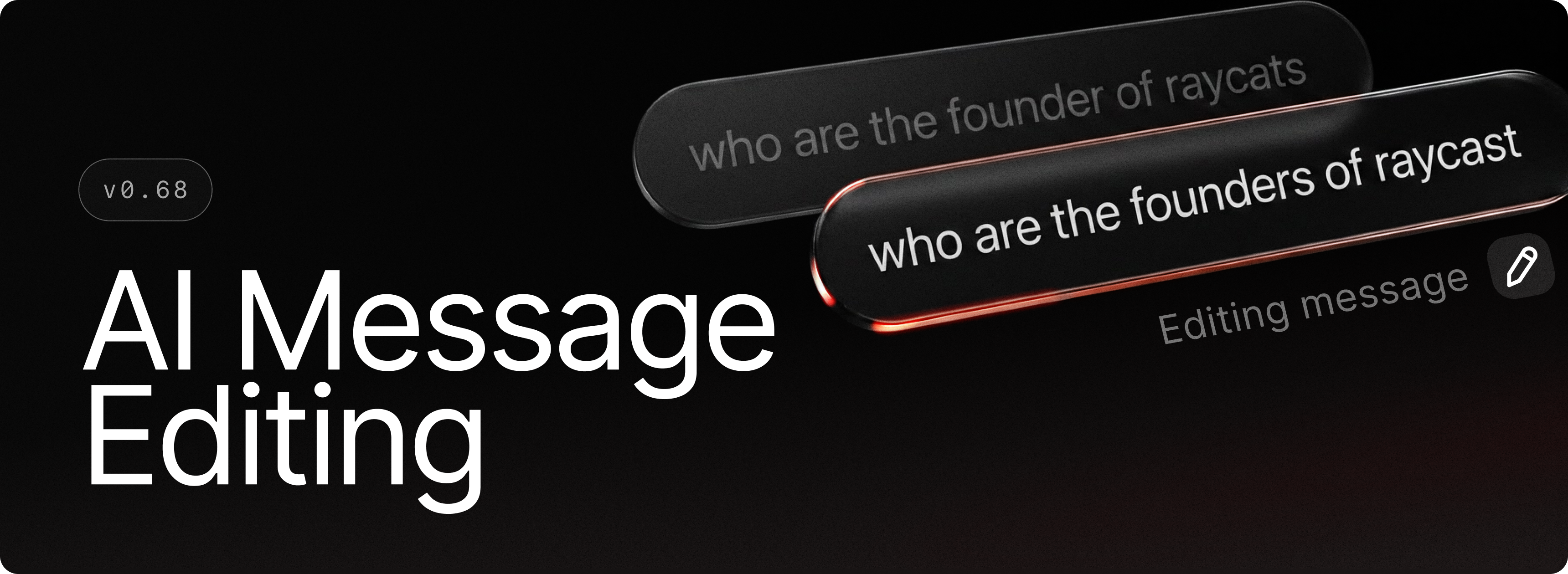
You can now edit any message you've sent in AI Chat. Just hit the edit button, use the hotkey, or tap the up arrow to jump straight into your last message. Refine your prompt, resend, and continue the conversation seamlessly.

✨ New

  • AI Chat: Edit previously sent messages via the edit button, hotkey, or by pressing the up arrow
  • AI Chat: Get more granular control on which tool calls run automatically with the new Always Allow list
  • AI Chat: Reorder and edit queued messages before they're sent
  • Auto Quit: Now you can automatically quit applications after a period of inactivity

💎 Improvements

  • Applications: App search scopes now discover shortcut files (.lnk), so apps referenced via shortcuts in custom folders appear in root search
  • Core: Improved overall performance of the application by upgrading to .NET 10
  • Core: Fixed an issue where Raycast windows would be laggy during dragging
  • Focus: Arc browser support
  • File Previews: Allowed SVGs to be previewed as images rather than code
  • Hyperkey: Trigger Escape quick action now works for Raycast windows as well
  • Notifications: now have a smooth fade out animation
  • Root Search: Removed Tab to browse on file search items to improve consistency around Quick AI usage
  • Startup: Improved startup task reliability
  • System: New Create Raycast Memory Dump command to help us track memory usage issues

🐞 Fixes

  • AI: Fixed attachment drop-zone positioning bug
  • AI: Fixed sending screen to AI not working in certain cases
  • Core: fixed an issue where tray menu would interfere with Raycast's window tracker causing window management commands and commands using selected text to fail
  • Core: Fix caption buttons flickering on close.
  • Core: Fix the blending of the acrylic background with the stale backdrop
  • Focus: Fixed an issue where a blocked app could receive two or more block notifications
  • Focus: Fixed an issue where quitting launcher-style apps like Git Bash wouldn't close their windows
  • Focus: Improved Zen Browser support
  • Hotkeys: fixed an issue where a hotkey gets lost if its target application or extension command was removed
  • MCP: Fixed a scroll padding issue when no description was present
  • Quicklinks: Fixed Quicklink form closing when selecting a file with the system sheet
  • Quicklinks: using Windows paths should work correctly when migrating from an older version now
  • Search Arguments: Added missing badge for optional args
  • Search Arguments: Consistently ensured we don’t allow submitting with incomplete args (Root Search, Snippets, Quicklinks, AI commands, etc)
  • Theme Studio: Fixed window state issue when closing with unsaved changes
  • Theme Studio: Added closing support on ESC press and updated activation logic
  • UI: Fixed characters sometimes being clipped on the left side at specific zoom levels
  • UI: Fixed some characters like Å being cut off in navigation search field
v0.67July 3, 2026

image

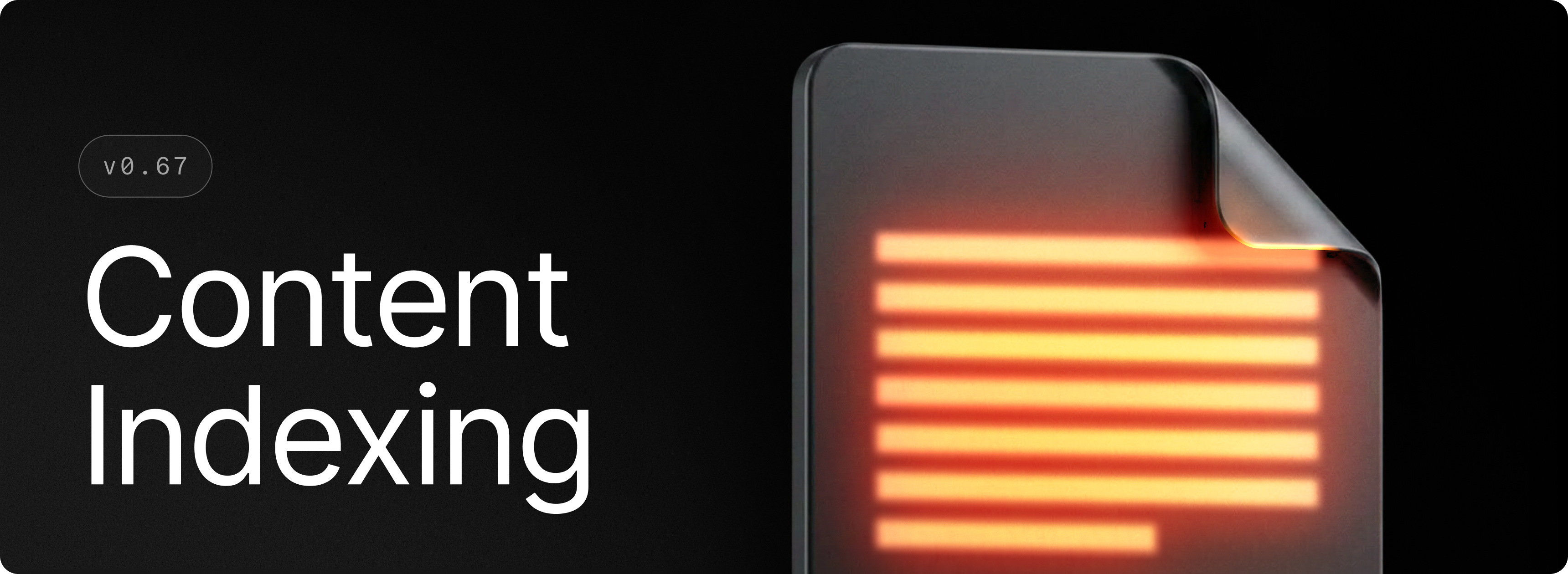
File Search can now help you find files by their text contents.

If you want to quickly find that essay, source file or text document that you know contains a word or phrase but can’t quite remember the file name, just type the text in Root Search or File Search.

To enable Content Search toggle it on in Settings > File Search. After this content-based results will appear after any name or path results in File Search.

This is the first step in making File Search even more powerful and we aim to bring further improvements specifically to Content Search in the future.

✨ New

  • AI: AI can ask you multiple choice questions through the Ask User Question tool when requiring extra information or when it’s not certain about something
  • AI Chat: Long user messages collapse to take less space away with ability to expand them when needed
  • Dictation: Push-to-talk support.
  • File Search: You can now search contents of text documents from within File Search and Root Search
  • File Search: Settings now have a “Reset to Defaults” button to restore all default Search Scopes and ignore patterns
  • File Search: File Search now has a “Enforce Low Disk Space Block” to prevent File Search from indexing if you do not have enough disk space where Raycast is installed
  • Hotkeys: You can now assign Copilot key as Hyper key
  • Settings: Added a new Interface Size setting which lets you chose one of 3 sizes to scale Raycast interfaces so you can find a comfortable size on your display
  • Store: Added ability to filter by extensions which have AI extensions
  • System Actions: The Bluetooth toggle now shows its on/off state in the HUD
  • Windows Management: You can now minimize current window with the Minimize command

💎 Improvements

  • Core: Reduced CPU usage when detecting running applications
  • Core: Startup time has been improved in certain environments
  • File Search: New File Search index backend, which should improve indexing and search performance
  • Hotkeys: Hyperkey now disables the Caps Lock state when it prevents using it
  • Notes: The default window position is now in the top-right corner of the active display
  • Notes: The window will now open on the currently active display
  • System: Improved support for third-party file explorers
  • UI: Aligned date picker icon/indicator treatment with other selects

🐞 Fixes

  • AI: Fixed web search results being shown in 2 rows instead of 3 by accident
  • AI: Fixed visual alignment of some tool calls
  • Core: Fixed a caption button DPI scaling issue
  • Core: Fixed an issue where the main window position would not be serialized
  • Core: Fixed an issue where the window’s taskbar icon could appear on the wrong display
  • Dictation Settings: Fixed an issue that prevented scrolling the style dialog when over the textarea
  • Extensions: Fixed an issue where the Start Development command wouldn’t work
  • Extensions: Fixed icon being too small in exception view
  • Focus: Improved Zen browser support
  • Game Launching: Fixed an issue where using game or games would not find games in the root search
  • Notes: Fixed an issue where auto-resize would get disabled after reopening the window
  • Quick AI: Fixed @file-search AI extension not being available in root search
  • Root Search: Fixed an issue where search argument field would get cut-off once focused
  • Root Search: Fixed an issue where in some cases descenders would appear clipped in text in the search field
  • Root Search: Fixed an issue where pressing down whilst on the last value of a select search argument would leak out and start navigating the main list
  • Root Search: Improved width handling of search arguments (inputs and select menus)
  • Settings: Fixed focus management in BYOK dialog after clicking verify button
  • Snippets: Fixed an issue where the empty argument view would reopen when pressing ESC during snippet expansion
  • Snippets: Fixed an issue where snippets with arguments would not expand the arguments.
  • System: Fixed an issue where the Toggle System Appearance command would fail on multiple displays
  • Window Management: Fixed an issue where Move To Previous/Next Display would send the window to an incorrect desktop when multiple virtual desktops are active
  • Window Capture: Fixed desktop wallpaper loading issue
  • Window Capture: Fixed capture button positioning when the window is maximized or close to the display edge
  • Window Capture: Fixed the background not tracking the window when it is partially outside the display’s viewport
  • Window Capture: Fixed an issue where the Save For Store checkbox would get stuck
v0.66June 24, 2026

image

✨ New

  • Capture Window: New Capture Window command to capture a Raycast window to share it or add a screenshot of your extension to the Store.

💎 Improvements

  • AI: Show richer error messages when completion fails in certain cases
  • AI Chat: When switching models, an info card now pops up with a brief description of the model's capabilities.
  • AI Chat: Pressing Esc only closes history sidebar when in overlay mode
  • UI: Improved performance of hover state in list views
  • Root Search: Store and restore latest dropdown argument values
  • MCP: Add support for CIMD

🐞 Fixes

  • AI: Fix provider icons in the auto model popover wrapping when they shouldn’t
  • AI: Fix scrolling not working over code blocks when line wrap is enabled
  • Dictation: Fix Styles hotkey not being cleaned up on deletion
  • File Search: Better handling of mixed Latin and CJK filenames
  • Focus: Fixed built-in Focus categories listing macOS apps.
  • Root Search: Fixed an issue where selection was wrongly preserved after a item stopped being suggested
  • Settings: Fixed Windows showing macOS-specific terminology and icons in places like command preferences
v0.65June 18, 2026

image

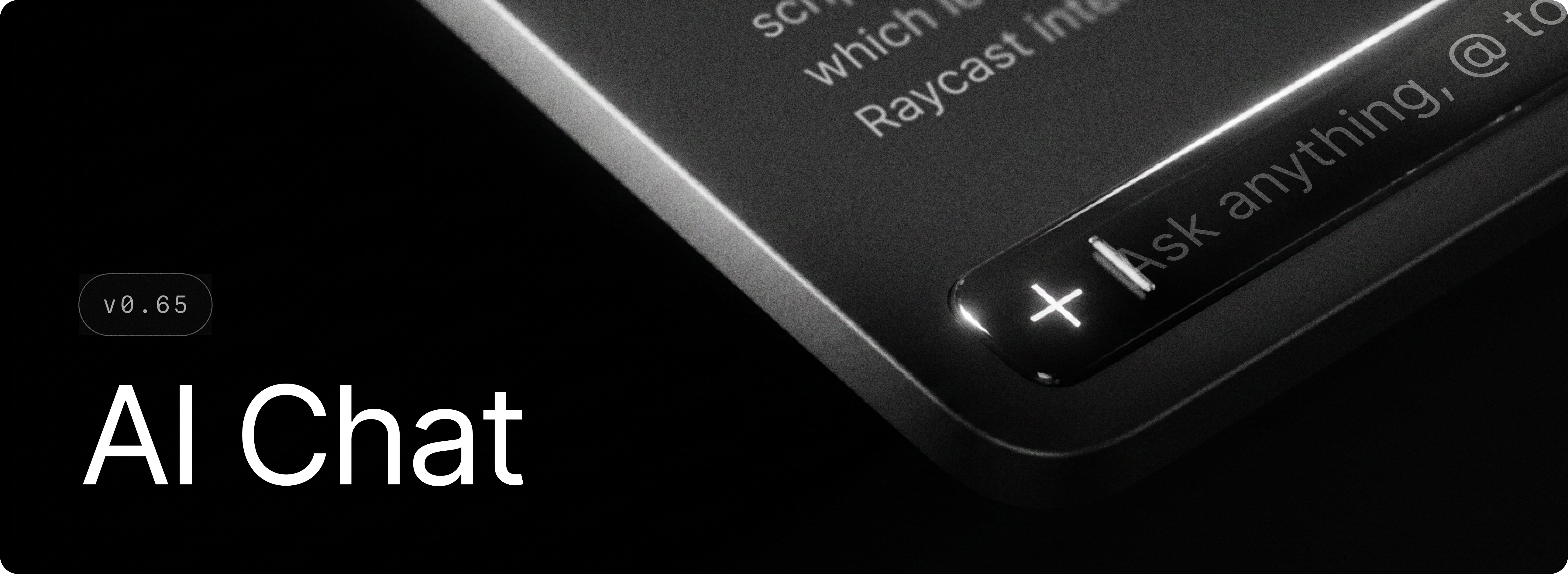
AI Chat is now available on Windows.

It's your space for real, back-and-forth conversations with AI. Quick AI is great for a fast answer. AI Chat is where you go when one answer isn't enough and you want to keep digging. Ask a question, follow up, and keep the thread going, whether you're debugging, drafting some writing, or researching a topic. And it's not just talk. With AI Extensions and MCP servers, AI Chat can pull in live context and take actions across your apps and tools, like creating a Linear issue or searching your codebase, without leaving the conversation. Just open Raycast and start a chat.

During the Beta phase, all testers get free access to AI Chat with the GPT 5.4 Mini model.

✨ New

  • AI Extensions: Use built-in AI extensions like @file-explorer, @selected-text, @terminal, @raycast-focus and third-party AI extensions like @slack, @notion, @linear in Quick AI and AI Chat
  • Quick AI: Redesigned interface with a more powerful composer at the bottom and a look that is closer to AI Chat
  • Manual: New Ask Manual AI Extension
  • MCP: You can now install MCP servers and use them in Quick AI and AI Chat
  • AI: Custom AI commands now have an Output Behavior setting, so you can choose to open them in Raycast or replace selected text in place
  • Translator: Custom translate commands now have an Output Behavior setting, so you can choose to open them in Raycast or replace selected text in place

💎 Improvements

  • AI: Removed flashes of incorrectly parsed content during streaming
  • AI: All AI Modes now show their details in model switchers and models not available in the current subscription now lead to the subscription upgrade view
  • AI: Improved retry logic for failed requests
  • AI: Browser extension improvements for fetching the currently active tab
  • Dictation: Using the “Copy to Clipboard” output mode no longer adds transcriptions to Clipboard History
  • Dictation: Allow pasting of comma separated items into vocabulary, accessible via the Vocabulary command or settings
  • Dictation: Microphone audio is automatically boosted during dictation sessions for improved transcription accuracy.
  • Updates: “What's New” now appears only for notable releases
  • Focus: Added Zen Browser support

🐞 Fixes

  • Core: improve pasting action reliability and performance
  • Core: Disabled acrylic background for non-topmost windows
  • Core: Fixed snap layout popup action
  • Dictation: Fixed an issue where dictation could fail to start or crash due to microphone initialization errors.
  • File Search: Multiple queries are no longer emitted as you type
  • File Search: While a new search query fetches results, existing results are no longer cleared
  • File Search: Fixed a crash when handling ignore files
  • Focus: Fixed Firefox website blocking
  • Focus: Fixed locale-independent site blocking for Chromium browsers (Chrome, Edge, Brave, Helium, Opera, Vivaldi)
  • Focus: Fixed website blocking in accessibility-disabled Chromium forks
  • Focus: Fixed the display of macOS bundle IDs in Windows built-in categories
  • HUD: windows no longer appear in Alt+Tab menu selection
  • Root Search: File URLs now correctly resolve filesystem entries if they exist
  • UI: Use correct button order in alerts
  • Updates: Fixed “New update Available” not being visible in certain scenarios
  • Theme Studio: Fixed color editor UX (sliders not displaying correct colors)
  • AI: Fixed attachment error messages not being surfaced
v0.64June 12, 2026

image

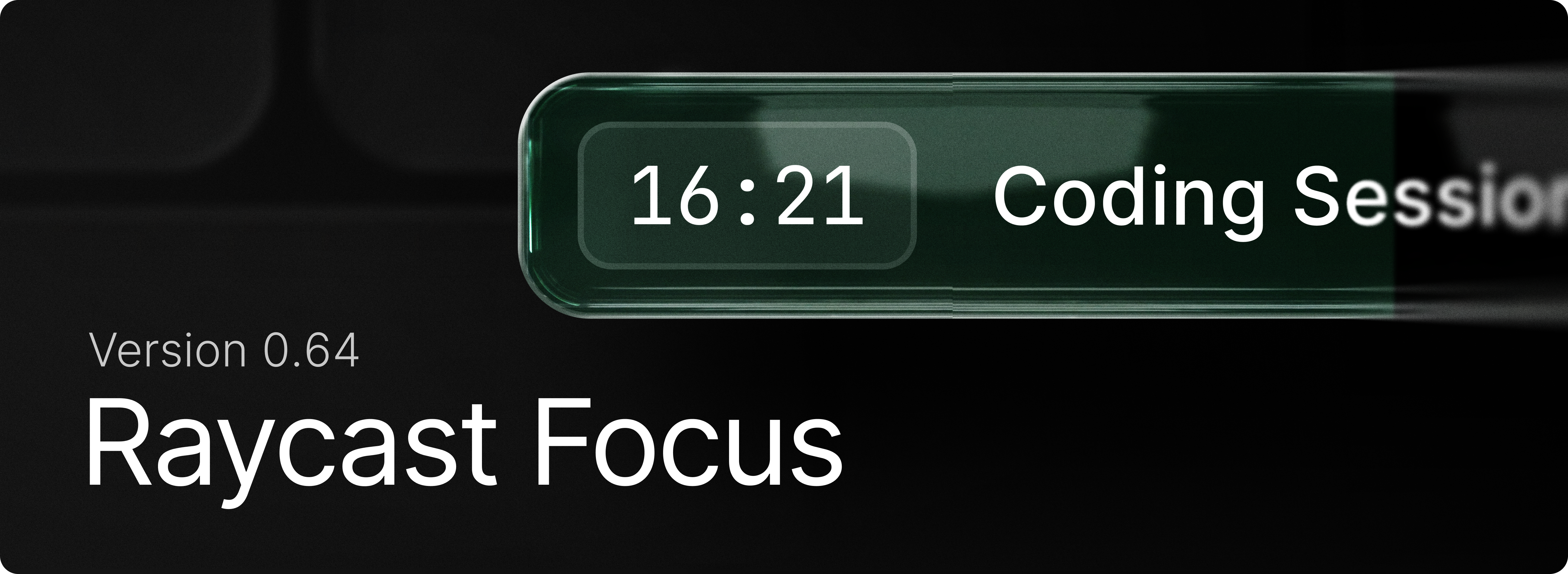
Focus comes to Windows. Stay in the zone, use Start Focus Session to kick off a timed block that shuts out the apps and websites that pull you away, and keep working until the timer runs out. Set up your distractions once with Create Focus Category, then manage things on the fly with Pause, Resume, and Complete Focus Session or jump straight back in whenever you need to lock in.

Learn how to get the most out of the feature with our manual.

✨ New

  • Focus: Begin a block that shuts out distracting apps and websites with Start Focus Session.
  • Focus: Edit Focus Session adjusts the duration or blocked categories while a session is running.
  • Focus: Use Pause Focus Session , Resume Focus Session and Complete Focus Session to control current session.
  • Focus: Toggle Focus Session starts or stops focusing with a single command, useful for a hotkey.
  • Focus: Group the apps and sites that derail you into a reusable set using Create Focus Category, then review or change them with Search Focus Categories.
  • Dictation: Transcription Styles let your dictated text automatically adapt its tone and formatting to the app you're writing in (email, messaging, and more).
  • Dictation: Dictation now uses the context of the app you're dictating into to transcribe names, terminology, and on-screen words more accurately.
  • Dictation: Finish and Cancel Shortcuts, use Ctrl+Esc/Ctrl+Enter or Esc/Enter to quickly submit or cancel dictation session.
  • Window Management: Toggle Always on Top. Pin the focused window so it stays above all others. Run it again to unpin.

💎 Improvements

  • AI: Improved usability of Create AI Command view
  • Clipboard History: Better query matching for non-Latin alphabets (e.g. Cyrillic, CJK)
  • Clipboard History: Improved UX of "… and Keep Window Open" actions by delaying the state update so items aren't reordered yet
  • File Search: Paths ending with a slash in Browsing mode no longer display the folder as the top result
  • Quick Look: Use the Quick Look command to open a file selected in File Explorer in the Quick Look window.
  • Run: Improved view layout
  • System: Add ability to skip confirmation for emptying the recycle bin

🐞 Fixes

  • AI: Markdown streaming is more stable with reduced flashes of incorrectly parsed content
  • AI: Tool call permission description is parsed as Markdown, allowing for richer content
  • Clipboard History: Fixed copying large amount of text from a Raycast action (like Copy Chat) slowing down Clipboard History
  • Extensions: Fixed alert icons busting out layout
  • Extensions: Fixed markdown in detail views not being selectable
  • Extensions: Fixed an issue where uninstalling an extension wouldn't instantly remove the commands in Root Search
  • Dictation: Fixed a crash when starting dictation with no audio output device available.
  • Dictation: Fixed dictation failing to start when the audio device was temporarily unavailable
  • Dictation: Fixed incorrect microphone helper text in Dictation settings.
  • Dictation: Fixed dictation failing to start or dropping mid-session on transient network errors
  • Dictation: Fixed an issue where long dictation sessions could fail to transcribe or crash.
  • File Search: Fixed issues with ignore files not being respected during incremental indexing
  • File Search: Fixed an issue preventing indexed files from being returned as part of the result set
  • File Search: Fixed an issue where we were attempting to preview database files which crashed File Search
  • Root Search: Fixed space key being swallowed during root search loading
  • Settings: Fixed Escape closing the window instead of dismissing an opened alert
  • Settings: Removed duplicate settings for a few items (quitting apps, etc)
  • Settings: Added missing settings for resetting confirmation warnings (deleting Quicklinks, Snippets, etc)
  • System: Fixed crash when trying to quit PWA application.
  • UI: Fixed an issue with open Select breaking some layouts
v0.63June 4, 2026

image

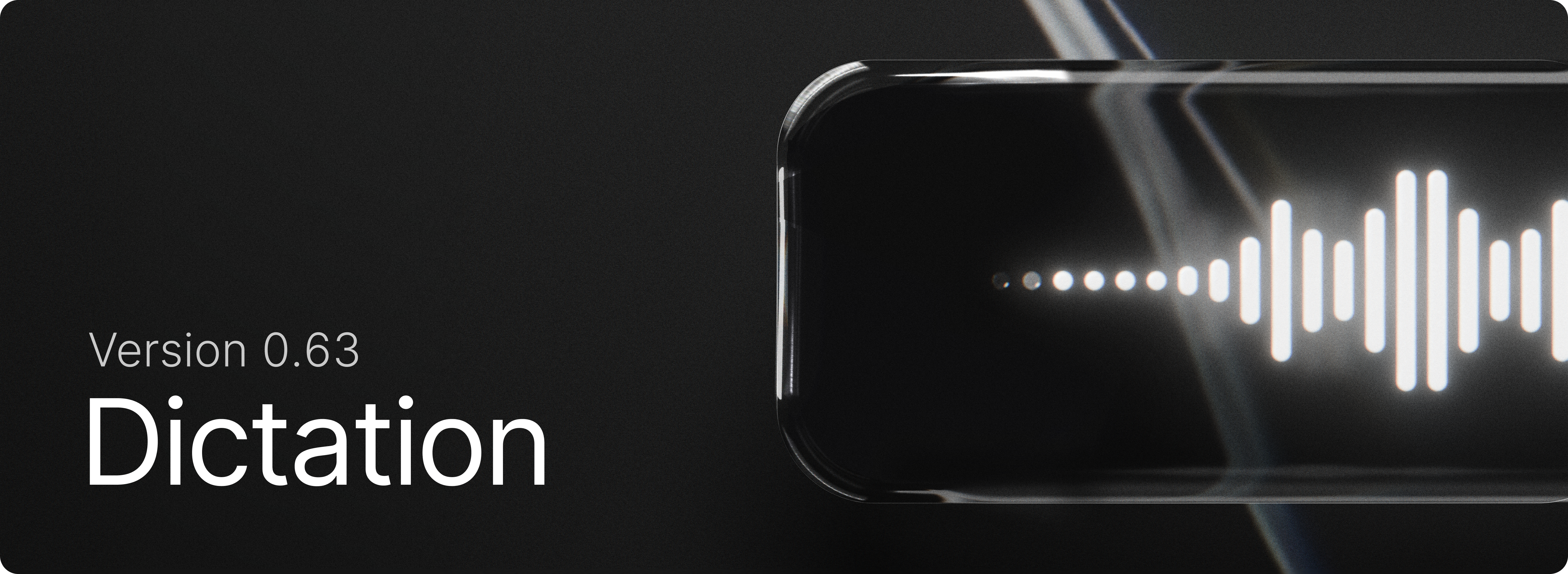
Dictation is now in Raycast for Windows! Press your shortcut, speak naturally, and get your words instantly transcribed into the active app or copied to your clipboard.

✨ New

  • Dictation: Dictate Dictate to Note Dictation History and other dictation commands are now available on Windows.
  • Clipboard History: Added new setting for “Prefer pasting as plain text”
  • Clipboard History: Copy text from QR code action for images
  • Teams: Share AI Commands with your whole team

💎 Improvements

  • Applications: Improve winget application discovery
  • Quick Look: Do not close Raycast main window
  • Root Search: Improved non-selected states of special items (calculator, color, etc)

🐞 Fixes

  • Applications: Do not load System environment variables
  • Clipboard History: Fixed an issue where we unnecessarily showed the Paste as… action
  • Core: Fixed an issue where text would sometimes get selected when dragging a scrollbar
  • Extensions: Fixed an issue in required preferences view where app picker would jump when opened
  • File Search: Fixed an issue with infinitely recursive directory trees
  • Quick AI: Fixed Quick AI not expanding the view in compact mode when logged out
  • Quick AI: Fixed model resetting when changing reasoning effort in certain situations
  • Quick AI: Fixed “Send text to AI” opening a new chat instead of using the currently active one
  • Translator: Fixed translation not working in root search
  • Typing Practice: Fixed an issue where starting a new practice from the results view would restart the current one instead
  • Typing Practice: Fixed layout breaking with large scores
v0.62June 3, 2026

image

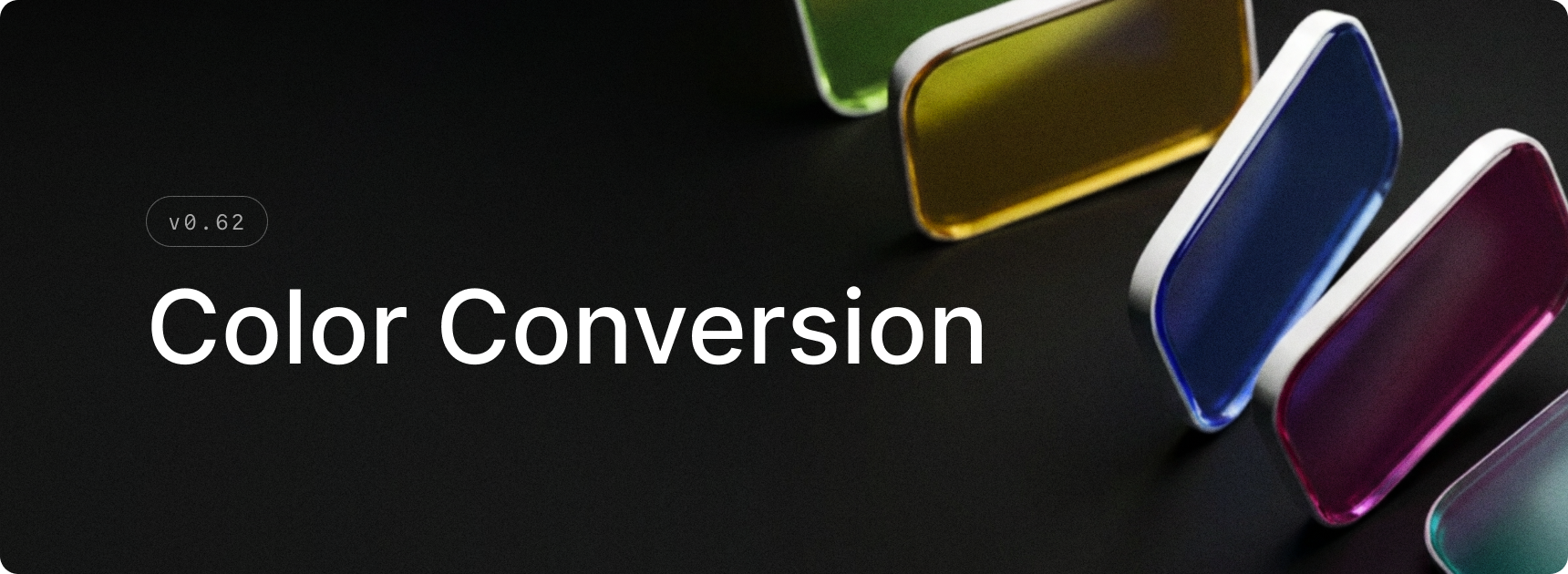
Color conversion is now in Raycast! Type any supported color value in root search to get an instant visual preview, and copy it in the format you need. Supports hexrgbhsloklch, and more.

✨ New

  • Applications: Added Hotkey Behavior setting to Applications settings
  • Calculator: Enable color conversion from Calculator settings to start surfacing color results in root search
  • Calculator: Type or paste any color value in root search to see an instant preview
  • Calculator: Copy a converted color in any supported format — hex, rgb, hsl, and modern color spaces like Oklch and Lab
  • File Search: Added “Open In File Explorer” command when entering a file path in the root search

💎 Improvements

  • System: Updated window closing, maximization, and restore animations
  • System: Increased the window title bar height
  • Quick Fix: Added a setup step that detects whether Windows Sticky Keys is active and offers to disable it to avoid interfering with the double-tap Shift hotkey
  • Calendar: Parse “safe links” to get the meeting urls
  • Quicklinks: Improve support for quicklinks to Raycast deeplinks
  • Games: Added support for favoriting games
  • Store: Added support for filtering by “Installed” extensions

🐞 Fixes

  • System: Fixed windows not respecting the minimum size when resized on displays with custom DPI scaling
  • System: Fixed an issue where the main window could be closed instead of hidden, causing it not to reappear on the next activation
  • System: Fixed the window restore animation starting from an incorrect initial size
  • System: Fixed a memory leak
  • System: Do not show "Unable to toggle system appearance” when System appearance changes
  • Translator: Show source text in the target panel when the source and target languages are the same
  • Script Commands: Handle ANSI output
v0.61May 20, 2026

image

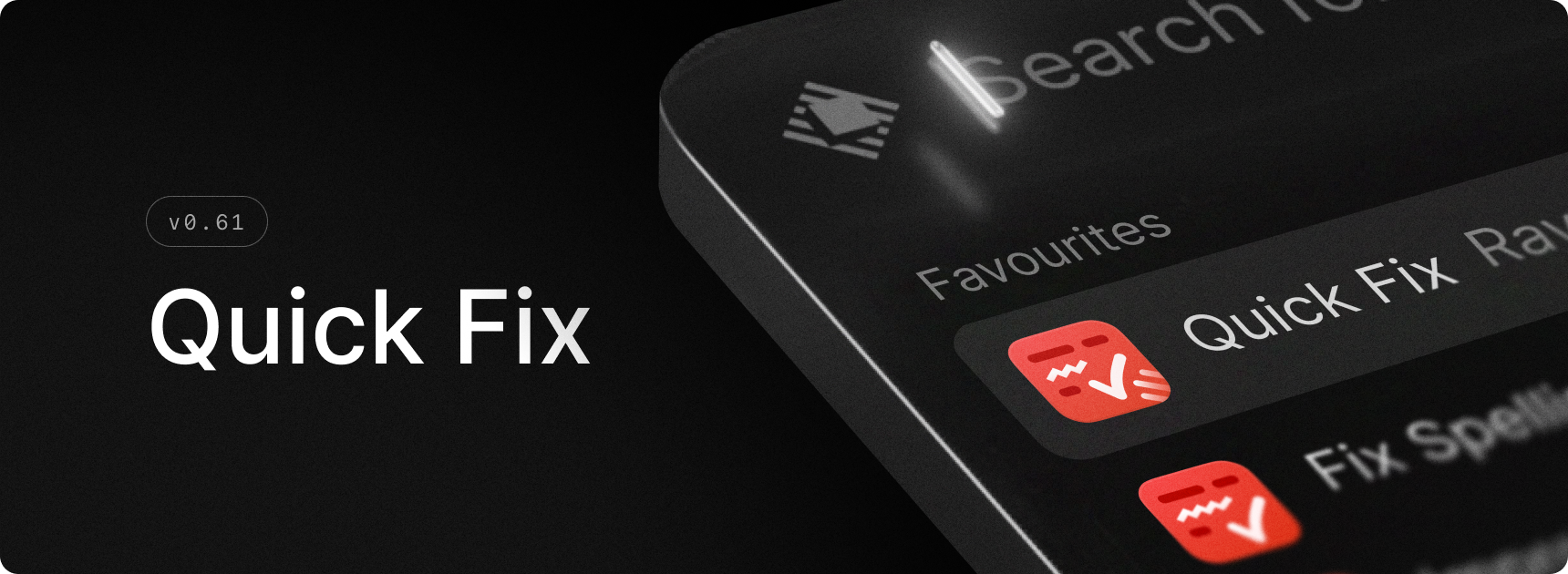
Introducing the Quick Fix command. It takes your selected text, fixes spelling and grammar, and pastes back the corrected text. The first time you use the command, a little onboarding guide helps you set a hotkey. Our team likes to use the right Shift key for it.

✨ New

  • AI: new Quick Fix command to quickly fix spelling
  • General: Added Quit the Active App command

💎 Improvements

  • Core: Improved text rendering
  • Script Commands: Add enable/disable commands
  • Script Commands: Script command output is now selectable
  • Store: Improved stability of Store results while loading
  • Translate: Use Selected Text as Source now works via root search as well as via hotkey
  • General: Reduced memory usage for app icons

🐞 Fixes

  • Applications: Fix Hyper-V Manager not launching from Raycast
  • File Search: Improved search for files and directories using non-Latin alphabets
  • File Search: Fixed an issue which could cause searches to hang the Raycast UI
  • General: Fixed a memory leak causing excessive memory usage for some users
  • General: Fixed opening folders in terminal
  • Settings: Fixed Switch rendering on non-retina displays
v0.59May 13, 2026

image

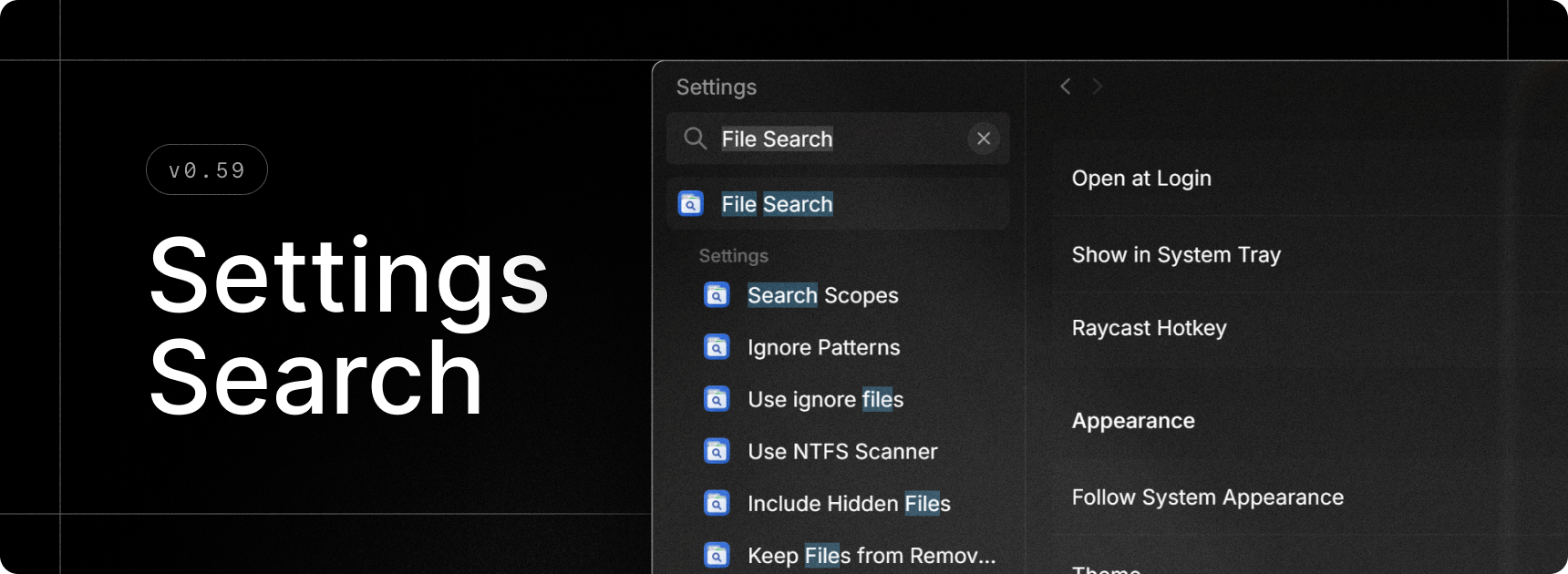
Finally, we built search for Raycast’s settings. Quickly find extensions, commands and settings without having to remember where everything is 🎉.

✨ New

  • Settings Search: Press Ctrl+F and search for anything - this can be extension, commands, or settings and quickly navigate around to find what you’re looking for.
  • Screenshots: Scan sub-directories for screenshots
  • Switch Windows: Added "Minimize to Tray" action

💎 Improvements

  • AI Settings: Added a dedicated page for models with configurable defaults
  • Quick AI: Fixed an issue that made it difficult to select the first line of code in a multiline code block
  • Root Search: Number hotkeys (e.g. Ctrl+2) are now supported in compact mode too
  • Settings: Quicklinks are now grouped by organization in settings
  • Settings: Menu bar commands are now clearly grouped in extension settings
  • Settings: Improved grouping of custom Window Management commands
  • General: Reduces memory usage when the Settings and Notes windows are closed
  • General: Improved maximize/restore and close window animations

🐞 Fixes

  • Core: Improve graceful shutdown stability
  • Core: Fixed Raycast not being notified when upgrading to Pro or Advanced AI
  • Export: AI transcriptions and AI Chat folders added to exporter
  • Snippets: Fix inconsistencies between snippets expanded with keywords and snippets pasted from the Search Snippets
  • Script Commands: Fixed passing arguments to silent scripts
  • Script Commands: Fixed passing arguments via deeplinks
  • Script Commands: Immediately close the window when running a silent script
  • Extensions: Fixed an issue where consecutive hotkeys for extensions wouldn’t hide the window