v0.68July 9, 2026
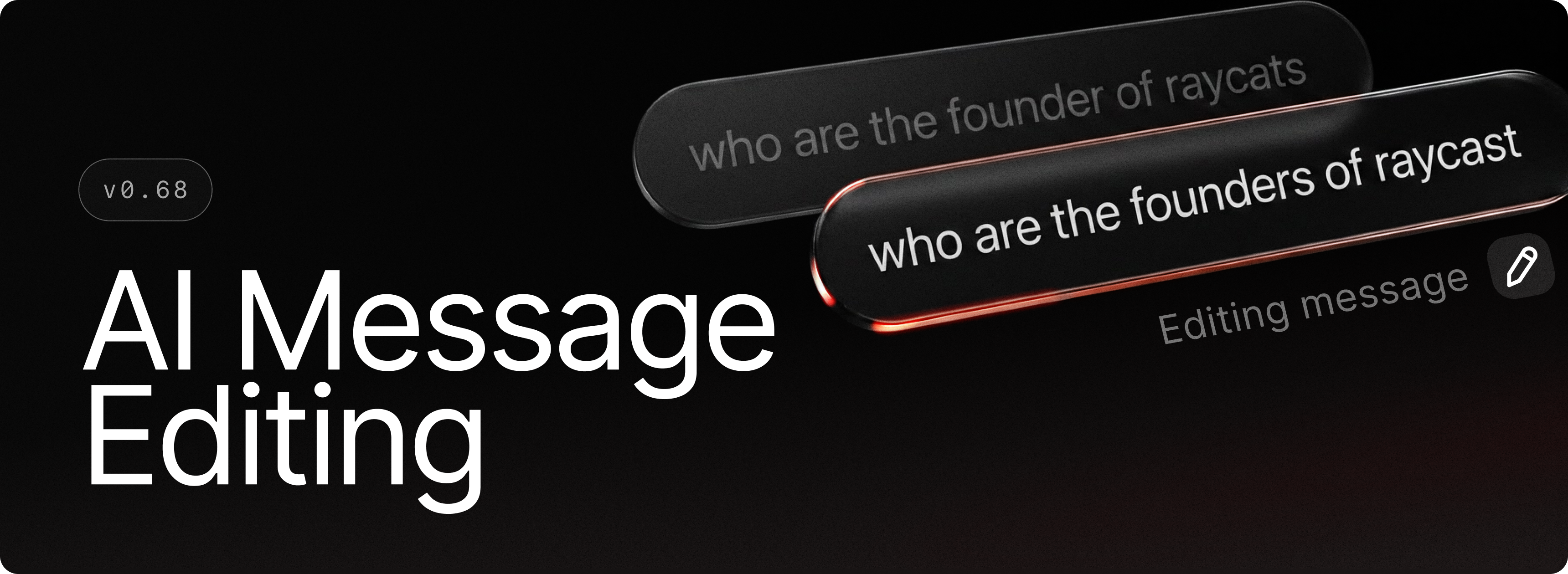
You can now edit any message you've sent in AI Chat. Just hit the edit button, use the hotkey, or tap the up arrow to jump straight into your last message. Refine your prompt, resend, and continue the conversation seamlessly.
✨ New
- AI Chat: Edit previously sent messages via the edit button, hotkey, or by pressing the up arrow
- AI Chat: Get more granular control on which tool calls run automatically with the new Always Allow list
- AI Chat: Reorder and edit queued messages before they're sent
- Auto Quit: Now you can automatically quit applications after a period of inactivity
💎 Improvements
- Applications: App search scopes now discover shortcut files (.lnk), so apps referenced via shortcuts in custom folders appear in root search
- Core: Improved overall performance of the application by upgrading to .NET 10
- Core: Fixed an issue where Raycast windows would be laggy during dragging
- Focus: Arc browser support
- File Previews: Allowed SVGs to be previewed as images rather than code
- Hyperkey: Trigger Escape quick action now works for Raycast windows as well
- Notifications: now have a smooth fade out animation
- Root Search: Removed Tab to browse on file search items to improve consistency around Quick AI usage
- Startup: Improved startup task reliability
- System: New
Create Raycast Memory Dumpcommand to help us track memory usage issues
🐞 Fixes
- AI: Fixed attachment drop-zone positioning bug
- AI: Fixed sending screen to AI not working in certain cases
- Core: fixed an issue where tray menu would interfere with Raycast's window tracker causing window management commands and commands using selected text to fail
- Core: Fix caption buttons flickering on close.
- Core: Fix the blending of the acrylic background with the stale backdrop
- Focus: Fixed an issue where a blocked app could receive two or more block notifications
- Focus: Fixed an issue where quitting launcher-style apps like Git Bash wouldn't close their windows
- Focus: Improved Zen Browser support
- Hotkeys: fixed an issue where a hotkey gets lost if its target application or extension command was removed
- MCP: Fixed a scroll padding issue when no description was present
- Quicklinks: Fixed Quicklink form closing when selecting a file with the system sheet
- Quicklinks: using Windows paths should work correctly when migrating from an older version now
- Search Arguments: Added missing badge for optional args
- Search Arguments: Consistently ensured we don’t allow submitting with incomplete args (Root Search, Snippets, Quicklinks, AI commands, etc)
- Theme Studio: Fixed window state issue when closing with unsaved changes
- Theme Studio: Added closing support on ESC press and updated activation logic
- UI: Fixed characters sometimes being clipped on the left side at specific zoom levels
- UI: Fixed some characters like Å being cut off in navigation search field