v0.68July 9, 2026
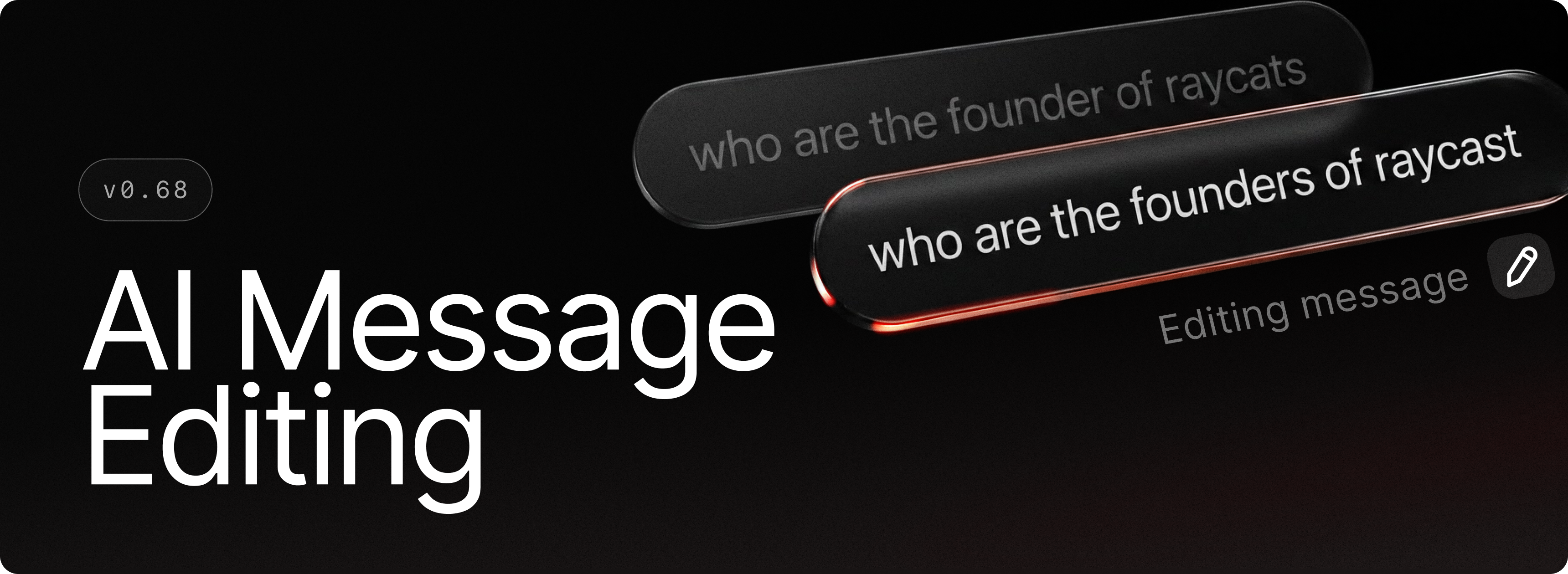
You can now edit any message you've sent in AI Chat. Just hit the edit button, use the hotkey, or tap the up arrow to jump straight into your last message. Refine your prompt, resend, and continue the conversation seamlessly.
✨ New
- AI Chat: Edit previously sent messages via the edit button, hotkey, or by pressing the up arrow
- AI Chat: Reference skills directly in the composer with
@mentions - AI Chat: Get more granular control on which tool calls run automatically with the new Always Allow list
- AI Chat: Reorder and edit queued messages before they're sent
💎 Improvements
- File Previews: Allowed SVGs to be previewed as images rather than code
- Hotkeys: You can now record ⌘+esc as a command hotkey
- Root Search: Removed Tab to browse on file search items to improve consistency around Quick AI usage
🐞 Fixes
- AI: Fixed attachment drop-zone positioning bug
- AI Chat: Fixed an issue where content would sip through the sidebar when it was overlaid and the window was blurred
- Calculator: Fixed system Language & Region preferences (24h format, number format) not being taken into account
- Calendar: Fixed the Calendar menu bar item sometimes being mislabeled as missing permissions
- Core: Fixed an occasional blocking alert at startup on macOS 27
- MCP: Fixed a scroll padding issue when no description was present
- Quicklinks: Fixed Quicklink form closing when selecting a file with the system sheet
- Search Arguments: Added missing badge for optional args
- Search Arguments: Consistently ensured we don’t allow submitting with incomplete args (Root Search, Snippets, Quicklinks, AI commands, etc)
- UI: Fixed some characters like Å being cut off in navigation search field
- UI: Fixed characters sometimes being clipped on the left side at specific zoom levels