v0.59May 13, 2026

image

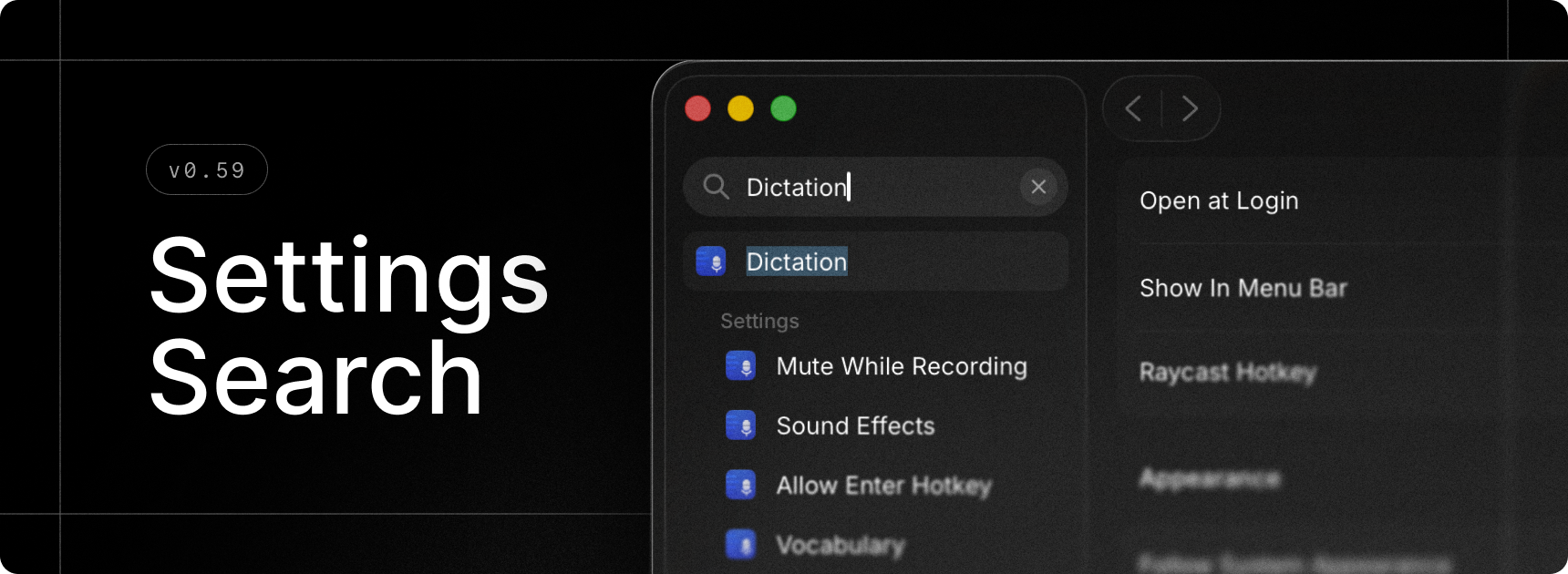
Finally, we built search for Raycast Settings. Quickly find extensions, commands and settings without having to remember where everything is 🎉.

✨ New

  • Onboarding: Experience a brand new onboarding flow as a first time Raycast user, or choose to migrate from the previous version of Raycast as an existing user with the migration flow.
  • Settings Search: Press ⌘F and search for anything - this can be extension, commands, or settings and quickly navigate around to find what you’re looking for.
  • Dictation: Added Push to Talk support for Dictate to Note
  • Dictation: Added Push to Talk support for transcription styles
  • AI Extensions: Added Raycast Notes AI Extension

💎 Improvements

  • AI: Better error handling for remote tools
  • AI Chat: Improved startup performance of AI Chat window
  • AI Settings: Added a dedicated page for models with configurable defaults
  • Dictation: Added support for function keys
  • Dictation: Keyterms now load in AI Chat, Quick AI, and AI Command transcription
  • Dictation: Added an alert when canceling dictation after 15 seconds
  • Dictation: Added faster retry when a dictation failed
  • Dictation: Made cancelation behavior smoother
  • Clipboard History: Improved detection of excluded applications
  • My Schedule: Date formatting now respects the current locale
  • Quicklinks: Added Paste Selected Text as Argument option to insert select text in an argument placeholder when the Quicklink is invoked by hotkey
  • Root Search: Number hotkeys (e.g. ⌘2) are now supported in compact mode too
  • Settings: Quicklinks are now grouped by organization in settings
  • Settings: Menu bar commands are now clearly grouped in extension settings
  • Settings: Improved grouping of custom Window Management commands

🐞 Fixes

  • AI Chat: Fixed composer losing new lines when closing and re-opening AI Chat window
  • AI Chat: Fixed moving to incorrect scroll position sometimes when submitting a new message
  • AI Chat and Quick AI: Fixed an issue that made it difficult to select the first line of code in a multiline code block
  • AI Chat: Fixed an issue with AI Chat showing messages twice in rare scenarios
  • Calendar: improved handling of events from subscribed calendars
  • Calendar: Auto-join alert should not be presented when enabling the feature during an in-progress meeting
  • Core: Fixed a flickering issue of blurred state when first opening any window
  • Core: Fixed Raycast not being notified when upgrading to Pro or Advanced AI
  • Emoji Picker: Fixed Paste and Keep Window Open shortcut
  • Export: AI transcriptions and AI Chat folders added to exporter
  • Import: Fixed import of double-tap hotkeys from v1
  • Import: Improved handling of large rayconfig files when importing from v1
  • Import: Adding missing commands when importing from v1
  • Import: Fixed incorrect import of Script Command search directories from iCloud Drive
  • Hyper Key: Ensure Shift isn’t suppressed when Hyper Key is using another modifier key than Shift (e.g. Right Command)
  • Snippets: Fix inconsistencies between snippets expanded with keywords and snippets pasted from the Search Snippets
  • Script Commands: Fixed passing arguments to silent scripts
  • Script Commands: Fixed passing arguments via deeplinks
  • Script Commands: Immediately close the window when running a silent script
  • Extensions: Fixed an issue where consecutive hotkeys for extensions wouldn’t hide the window
v0.58May 12, 2026

image

💎 Improvements

  • Auto-Quit: Simplified UX of Auto-Quit Applications in settings
  • Clipboard History: Improved color categorization when copying unqualified hex codes from design apps
  • Clipboard History: Improved rendering performance of long unbroken strings in text previews
  • Clipboard History: Improved image entries title generation by adding the image dimensions
  • Dictation: Added support for function keys and single-tap modifiers as hotkeys
  • Root Search: Simplified file browsing UX by automatically moving into File Search

🐞 Fixes

  • Clipboard History: Fixed an issue where some empty entries could be created
  • Clipboard History: Fixed an issue where copying a frame as PNG from Figma would not display the image entry correctly
  • Clipboard History: Fixed an issue where pasting an image into Claude Code in Ghostty only pasted “v”
  • Clipboard History: Fixed an issue where Automatic Text Recognition (OCR) failed on some images, preventing them from being found through their text content
  • Core: Fixed many internal extensions bypassing Raycast clipboard when copying to clipboard
  • Menu Bar Extensions: Fixed 100% CPU usage in some conditions where menu bar extensions are visible
  • Notes: Fixed a regression where the theme background was doubled, thus creating stronger coloring
  • Window Capture: Fixed Window Capture command capturing only the sheet instead of the full window when a sheet is open
v0.57May 8, 2026

image

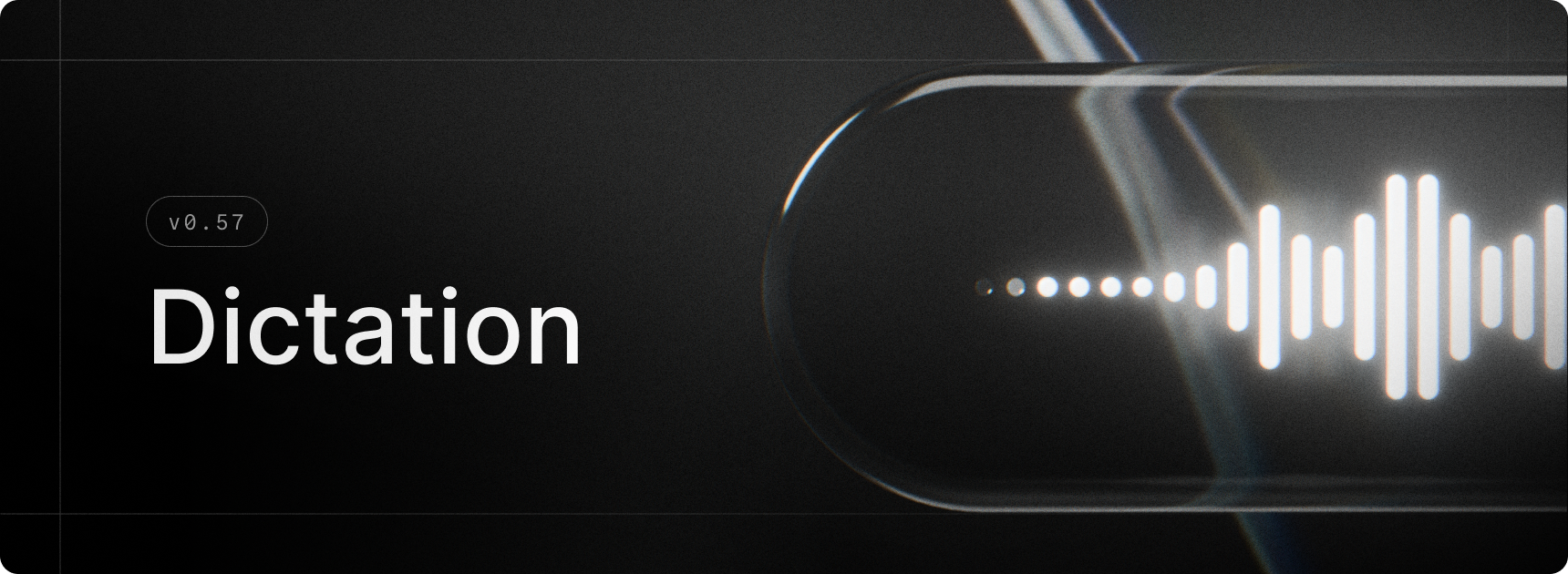
Dictation brings fast, accurate voice-to-text to Raycast on Mac. Press your hotkey, speak naturally, and your words land in the active app as clean, formatted text, with filler words removed and punctuation, capitalisation, and grammar handled automatically. The Dictation Pill floats above your active app with a live waveform, and every transcription is saved to Dictation History for later.

We didn’t stop there. Styles shape your text for different contexts, whether it’s a Slack one-liner, a polished email, or any format you define. Auto Styling picks the right one for the app you’re in. Custom Instructions, Vocabulary, and App Context fine-tune accuracy around your spelling, names, and jargon.

✨ New

  • Dictation: Press a hotkey, speak naturally, and Raycast pastes clean, formatted text into any app, with Styles, custom vocabulary, and Dictation History built in
  • Bring Your Own Key: Connect your own API key from Anthropic, Google, or OpenAI to use Raycast's AI features without a Pro subscription
  • AI Model Picker Details: The model picker now has a beautiful new detail panel for checking the speed, intelligence, context window, and abilities of the selected model
  • Quicklinks: Added ability to create a Quicklink from a URL typed in Root Search
  • Settings: There is now a new Launcher page where you can customise your Root Search and manage your fallback commands

💎 Improvements

  • Core: Enhanced paste actions throughout the app to show the receiving (frontmost) app name/icon
  • Extensions: Improved affordance of tag picker component
  • Import: Add support for importing AI extension custom instructions
  • Import: Added a progress toast when importing from the Welcome view
  • Import: Improved UX when an incorrect password is entered
  • Shortcuts: The Apple 🌐 (Fn) key can now be used as a single-tap hotkey
  • Translate: Dictation is now supported in the Translator

🐞 Fixes

  • AI Chat: Deleting all chats in AI Chat no longer deletes pinned chats
  • AI Commands: Fixed the deeplink for AI Commands
  • AI Models: Fixed the models list not updating in certain cases
  • AI Models: Fixed an issue where the list sometimes wouldn’t scroll to the selected model
  • Clipboard History: Fixed an issue when items would sometimes overlap after deleting items quickly
  • Clipboard History: Fixed an issue where it was possible to navigate the list with arrow keys whilst renaming the entry in the Action Panel
  • Core: Fixed Copy Deeplink action not adding an entry to the clipboard history
  • Core: Ensured move favorite / move pinned actions use the same shortcuts
  • Core: Fixed scroll fade being a bit weak in some cases
  • Core: Fixed an issue where menus scrolling to the center to reveal selected item would be slightly off-center
  • Core: Fixed an issue where sometimes dialogs would lose their background
  • Dictionary: Fixed blurry Dictionary.app icon in empty state
  • Hotkey Recorder: Fixed an issue which sometimes recorded Esc instead of dismissing the recorder
  • Hotkeys: Fixed directional modifier hotkeys preventing using the mirror modifier. For example, defining ⌘right+C was blocking ⌘left+C from being used in other applications.
  • Import: Fixed an issue which could cause popup windows to persist after import
  • Localization: Improved System Settings localization. They can now be found by both English and localized name in Raycast search.
  • Paste Action: Fixed main window reappearing after “Paste and Keep Window Open” action ended.
  • Quicklinks: Fixed icon rendering for file links
  • Root Search: Fixed an issue where Root Search sometimes appeared visually empty after executing a command, or after hiding Raycast and then re-opening
  • Root Search: Fixed an issue where going in/out of compact mode would sometimes result in list items overlapping under the search
  • Snippets: We now respect the Injection Delay setting when injecting snippets
  • Snippets: Fixed a bug where sometimes injection would get stuck, requiring expansion to be toggled off then on to re-enable the injection queue
  • Store: Ensured search results show instantly when cached
  • Translate: Fixed an issue where macOS auto-correct was getting in the way of dismissing the view
  • Window Capture: Fixed padding of main window not being suitable for store submissions
v0.56May 8, 2026

image

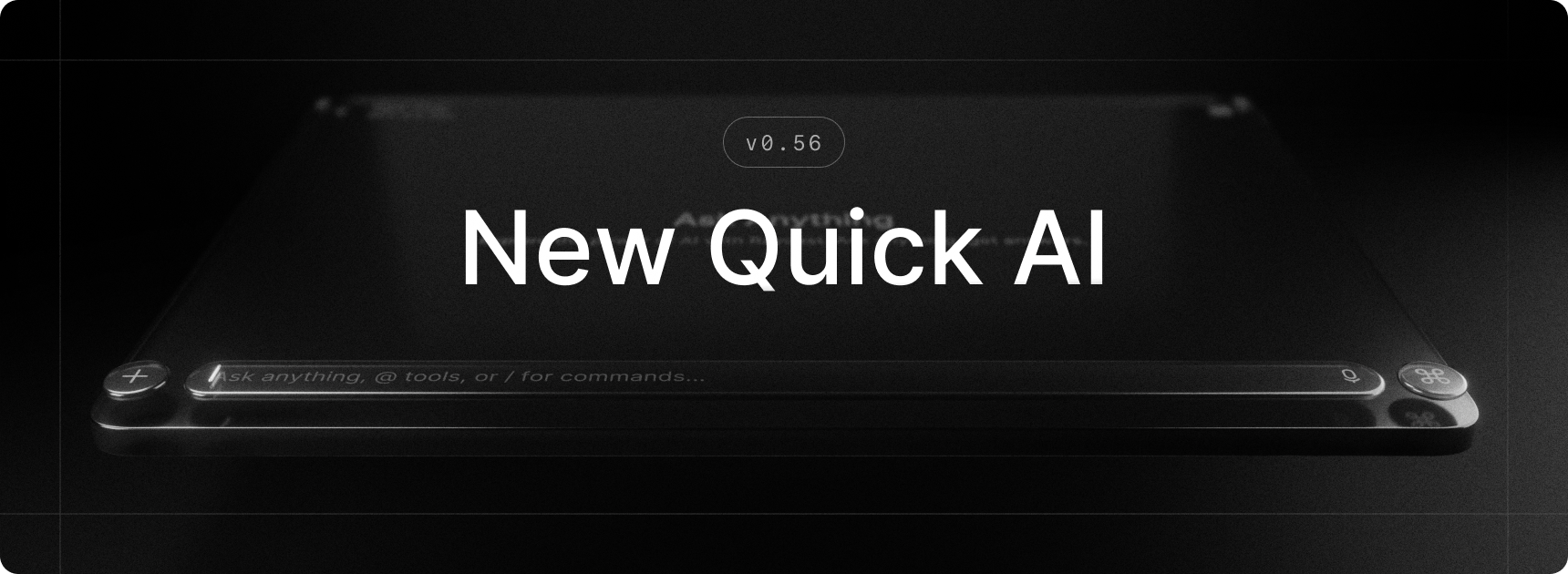
Quick AI gets a major refresh in this release, bringing it closer to the AI Chat experience you already know. The redesigned interface feels like a natural sibling of AI Chat, with a multi-line composer at the bottom so you can see and edit longer prompts at a glance. You can also attach files and images, dial in reasoning effort, and use most of what AI Chat offers. Quick AI now handles longer, more involved questions just as well as short ones.

On top of that, AI Extensions, AI Skills, and MCP servers are now available in Quick AI and AI Chat, and they can be loaded automatically based on your request. No more tagging extensions to bring in the right tools.

✨ New

  • AI Extensions: Built-in and third-party extensions are now available in Quick AI and AI Chat
  • AI: Now that AI Extensions are available, we are introducing a way for extensions to be loaded automatically depending on the request. No need to tag AI extensions anymore - but you can do it to force its usage.
  • AI: In addition to AI Extensions, AI Skills can be loaded automatically depending on the request as well. By default, it will look for skills in ~/.config/agents/skills, ~/.agents/skills, ~/.claude/skills , and ~/com.raycast-x/skills but you can specify your own folders in the AI settings.
  • MCP: You can now install MCP servers and use them in Quick AI and AI Chat
  • Quick AI: Got a design refresh which is closer to AI Chat with a composer at the bottom and support for multiline, attachments, and more

💎 Improvements

  • AI Chat: Enable navigation through query history by pressing up and down arrow keys
  • AI Chat and Quick AI: Allow scrolling with page up and page down keys
  • AI Commands: Improved summarize webpage command giving responses that were too short
  • AI Settings: Split AI Settings into multiple sub-views for better organization
  • General: We now better handle international keyboard layouts, both in built-in shortcuts in the Action Panel which are now key-equivalent, as well as for global hotkeys were we now correctly represent the printed character based on the currently active layout
  • Hotkey Recorder: We have improved the UX of the hotkey recorder, so it’s clearer, less error-prone, and also enabled better discovery of its new features (like the types of hotkeys, specifying modifier side or switching to key-equivalent)
  • Performance: Improved cold start latency for the Action Panel and Search Emoji & Symbols
  • Settings: When on a sub-view of a particular setting, a click on the setting in the sidebar navigates back to the parent setting view
  • Window Capture: Increased the padding of the window to make screenshots look more airy
  • Quicklinks: Added Open With… and Show in Finder actions
  • Snippets: You can now search for snippets by keyword
  • Import: Added support for importing local (development) extensions during migration
  • Import: Improved handling of ad-hoc/untitled AI Commands

🐞 Fixes

  • AI Chat: Fixed enter and esc keys getting swallowed in certain cases after a suggestion menu was open
  • AI Chat: Fixed viewing an archived chat implicitly unarchiving it
  • AI Chat: Fix sidebar loading and unread indicators not being visible on hover
  • Clipboard History: Fixed missing image thumbnails
  • Import: Fixed handling of rayconfig files opened from the Finder
  • Import: Fixed incorrect mapping of Dictate Text hotkey to Quick AI
  • Import: Fixed import of custom Window Management command settings
  • Import: Fixed import of built-in AI Command settings
  • Export: Fixed a crash when setting the scheduled export period to 1 month
  • Misc: Hide traffic light buttons from the launcher window
  • Settings: The Prefer Existing Tabs quicklinks setting is now hidden if available
  • Settings: Fixed Send Feedback action
v0.55April 27, 2026

image

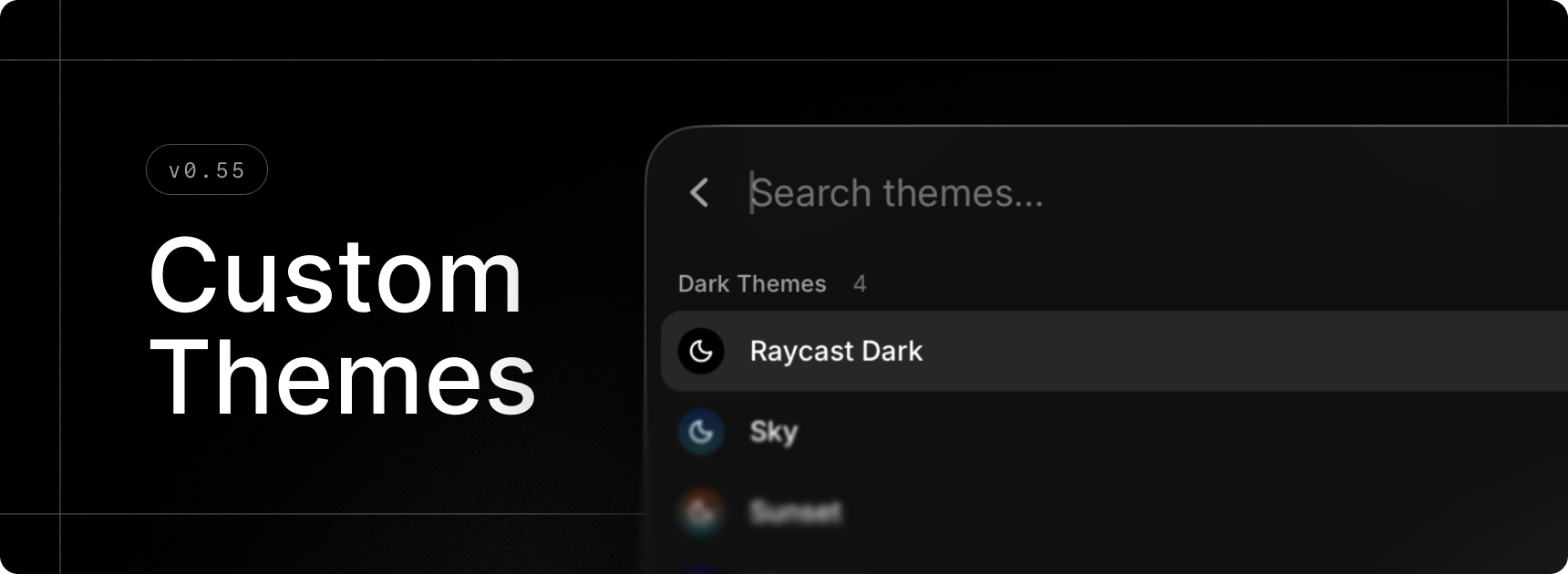
Make Raycast your own with gorgeous themes. Opt for a pre-made one or design your own with the brand-new Theme Studio and share it with the community.

Select your favorite light/dark theme combo in settings with our updated settings in General › Appearance, or quickly change theme using the new Switch Theme command.

This feature is part of our paid offering but during the Beta period, we’re excited to offer you full access for free.

✨ New

  • Theme Studio: Preview, create and edit themes to make Raycast your own using our new Show Theme Studio command
  • Theme Studio: Swiftly change your current theme using our new Switch Theme command
  • Emoji Picker: New emojis introduced in macOS 26.4 are available in the Search Emojis & Symbols command
  • Settings: Updated theme settings under General › Appearance
  • Window Management: Create custom window layouts via the Create Layout command
  • Window Management: New Switch to Next Space and Switch to Previous Space commands to change Space without animations
  • Drafts: Form drafts are now available so you should no longer lose state when using commands such as Create Quicklink etc

💎 Improvements

  • AI: Raycast is now able to handle large amounts of AI data better in various places like Quick AI, AI Chat and AI Settings
  • AI: Restructured AI Settings by moving sections into sub-pages
  • AI Chat: Made it possible to tab through elements in sidebars
  • Import: Fallback commands should now be included when importing from Classic.
  • Search Menu Bar Items: Added fuzzy search to find menu items faster
  • Clipboard History: Save as File now supports images
  • Applications: In the main Raycast search and in Settings, applications now appear with their localized names
  • Hyper Key: Support for the “Use Caps Lock to switch input sources” system setting. If you have Hyper Key set to “Caps Lock” and Quick Press to “Trigger Caps Lock”, pressing Caps Lock quickly will switch input sources if you have the system setting mentioned above enabled.
  • Hyper Key Diagnostics: Diagnostics are now visible even when Hyper Key is healthy, and BetterTouchTool conflict is shown as a warning (not blocking)

🐞 Fixes

  • AI: Models are now refreshed after sign-in
  • AI Chat: Fixed Copy Chat action not including full chat history sometimes
  • AI Chat: Fixed number hotkeys in chat not working when composer is focused
  • AI Chat: Fixed composer scroll-jumping on clicks or edits sometimes
  • AI Chat: Fixed Escape key closing AI Chat instead of settings
  • AI Chat: Fixed AI Chat window not becoming key when Settings is already open
  • Calculator: Fixed an issue where some operators were misaligned
  • Extensions: Restored ability to delete tokens by clicking × in tag picker
  • General: Fixed issue where some fade would still be visible when scrolled to the bottom of a scrollarea
  • Import: Fixed an issue where Store extension settings were not imported correctly
  • Import: Fixed various errors when importing Clipboard History, Node Extensions and Themes
  • Import: Fixed discovery of Classic app when Spotlight is disabled
  • Import: Fixed native import for hotkeys
  • Import: Fixed incorrect mapping of Dictate Text hotkey to Quick AI
  • Import: Fixed import of custom Window Management command settings
  • Import: Fixed import of built-in AI Command settings
  • Notes: Fixed text obstructed by header when moving the keyboard cursor to the top
  • Notes: Fixed ordered list’s numbers breaking out
  • Open Camera: Fixed an issue where liquid glass action buttons would stay stuck in light/dark mode
  • Quick AI: Fixed first historical chat not being scrolled to bottom
  • Quicklinks: Shared Quicklink hotkeys and aliases should no longer be reset when the app starts
  • Root Search: Fixed an issue where nothing was selected after restart
  • Settings: Fixed an issue where pressing Enter wouldn’t create new line in text areas inside dialogs
  • Themes: Fixed an issue where the client would occasionally use a dark theme with light appearance
  • Settings: Fixed Send Feedback action
  • Export: Fixed a crash when setting the scheduled export period to 1 month
  • Export: Fixed handling of rayconfig files opened from the Finder
  • Clipboard History: Fixed missing image thumbnails
v0.54April 15, 2026

image

✨ New

  • AI: GPT-5.4 Mini for free during the Raycast Beta

💎 Improvements

  • General: Improve keyboard handling for IME (Input Method Editor) commonly used for non-latin languages (Chinese, Japanese, Korean, etc)

🐞 Fixes

  • File Search: Network and removable drive entries should no longer be lost on startup
  • File Search: Exclusion patterns in Settings and ignore files should now handle case-sensitivity correctly
  • File Search: Indexing the filesystem root (/) is now allowed (but not recommended)
  • Open With: Fix duplicate applications entries in the selection menu
  • Window Management: Fix Window Management commands occasionally failing for Raycast windows
  • Auto Update: Fix disk image not being unmounted properly after a successful update
  • Migration: Added missing settings for Start Typing Practice and Calculator History commands
  • Migration: Added a fallback for Raycast v1 discovery if Spotlight is disabled
  • Quicklinks: Hotkeys should no longer reset at startup for shared Quicklinks
v0.53April 10, 2026

image

💎 Improvements

  • Quick AI and AI Chat: Improved loading speed for large amounts of chats and chats with lots of messages
  • Quick AI and AI Chat: Reduced memory consumption when having lots of AI chats
  • What’s New: Added a setting to the Changelog command to disable “What’s new?” items in the root search
  • Hyper Key: Added better diagnostics for conflicting applications detection.
  • Keyboard Settings: Added “Escape Key Closes Window” in Keyboard settings.
  • Advanced Settings: Added “Window Activation Behavior” to select whether window move to the active space or the user is moved to the window space.
  • Raycast Notes: Added “Show Notes Toggle in Menu Bar” and “Escape Key Loses Focus” settings.
  • Root Search: Enable drag & drop for Applications

🐞 Fixes

  • Clipboard History: Fix mislabeled Universal Clipboard source.
  • Quick AI: Fixed Quick AI command not being available
  • Settings Import/Export: Prevent timeout for large exports/imports.
  • Snippets: Improved snippet injection within Raycast
  • Windows: Fix floating windows not opening on top of full-screen applications
  • My Schedule: Meetings should now be opened in the native application if available (Zoom, Teams, Slack huddles…).
  • Hyper Key: Improve diagnostics and keyboard reconnection handling
  • Emoji Picker: Fix duplicated info emoji
  • Clipboard History: Improved pasting reliability for some applications (cmux)
v0.52April 3, 2026

image

💎 Improvements

  • Confetti: You can now disable holiday confetti in settings
  • Calendar: Open meeting urls directly in the associated app if available
  • Contacts: Cleaned-up UI
  • General: Toast is now automatically expandable (toast action panel) when overflowing
  • Quicklinks: Added Edit, Duplicate, Disable, Delete actions in settings
  • Quicklinks: Tidied up filters
  • Root Search: Added support for What’s New item in compact mode
  • Settings: Cleaned-up Appearance / Theming settings
  • Snippets: Tidied up filters

🐞 Fixes

  • Calendar: Improve auto-join scheduler reliability during sleep/wake cycles
  • Clipboard History: Fixed an issue where copying from MS Word wouldn’t create new entries
  • General: Fixed list hover flickering issue on Tahoe 26.4
  • Importer: Fixed Clipboard History import for users with >20k records
  • Importer: Fixed timeouts during long imports
  • Importer: Avoid mapping hotkey characters to the number pad
  • Quicklinks: Fixed icons for links using custom app protocols
  • Settings: Fixed certificate file picker busting out UI in Advanced Settings
  • Window Management: Fixed Custom Command form layout issues
v0.51March 27, 2026

image

The new Raycast is here! 🎉 

This next version is not only a UI refresh but a brand new revamped application. With this new app we have sweat the details, so really we hope you love the new experience as much as we do.

You can expect to see many new features and improvements across the app. This list aims to capture them all but we likely have missed some improvements here and there. We are not quite at 100% feature parity yet, but the remaining features will be released to you over the coming weeks.

Enjoy! ❤️

✨ What’s New

  • General: A new refreshed look and feel across the app. Redesigned for Tahoe.
  • General: A new, simplified compact mode design
  • General: Symlinks of Applications are now visible in Root Search
  • Shortcuts: A new and improved hotkey recorder
  • Shortcuts: Assign hotkeys and aliases directly from the action panel in Root Search
  • Quick AI: Redesigned to match AI Chat and with a more powerful composer
  • AI Chat: Presets are now called Agents and are reused. If you change the configuration of an agent, the new configuration now applies to all chats using the agent
  • AI Chat: Added memory to make chats more personal
  • AI Chat: Skills installed on the computer are now supported and load in dynamically
  • AI Chat: Chats can be auto-archived after a set period of time
  • AI Chat: Danger mode which bypasses all confirmation prompts
  • AI Chat: /-commands to quickly change chat settings like selecting a model
  • File Search: Using a new indexing engine for faster search results and more filtering options
  • File Search: Files and directories can now be found in Root Search
  • Snippets: Added support for tagging
  • Quicklinks: Added support for tagging
  • Quicklinks: Added support for pinning
  • Dynamic Placeholders: Added a new{calculator} dynamic placeholder. Available in Snippets, Quicklinks and AI Commands.
  • Calculator: Added syntax highlighting
  • Calculator: Inline translation with in suffix
  • Clipboard: We can now save (and can restore) all original representations copied
  • Clipboard: Added ability to rename clipboard entries
  • Clipboard: Clipboard entries with multiple files/content are now grouped together
  • Calendar: Added a new Create Event command
  • Emoji Picker: Multiple grid size options are now available
  • Translator: Default language settings
  • Translator: Create custom commands with predefined language pairs, so you can quickly translate between your most-used languages without selecting them each time.
  • Translator: "Use Selected Text as Source" setting. When enabled, triggering the translator via hotkey automatically fills the source text with your current selection.
  • … and more

🔜  Coming Soon

  • General: Raycast V2 Manual and links throughout the application
  • General: Bigger font size
  • Cloud Sync: Full Cloud Sync solution that will let you sync all of your data across platforms and Raycast versions.
  • Raycast AI: Dictation
  • Raycast AI: AI Extensions
  • Raycast AI: MCP
  • Raycast AI: Send to … AI chat commands
  • Raycast AI: Local Models
  • Teams: Create and Manage Webhook Commands
  • Theming: Theme presets and the ability to create your own themes
  • Window Management: Create Window Management Layout Commands
  • Feature: Raycast Focus
  • Feature: Auto Quit
  • Feature: Inline Emoji Picker
  • Affiliate Program: Become an Affiliate and Open Affiliate Dashboard Commands
  • Referral Program: Share Raycast Command
  • General: Share Feedback Command
  • Calculator: Color picker
  • Calculator: Flight tracker